Directing
Auditions & Casting Bundle
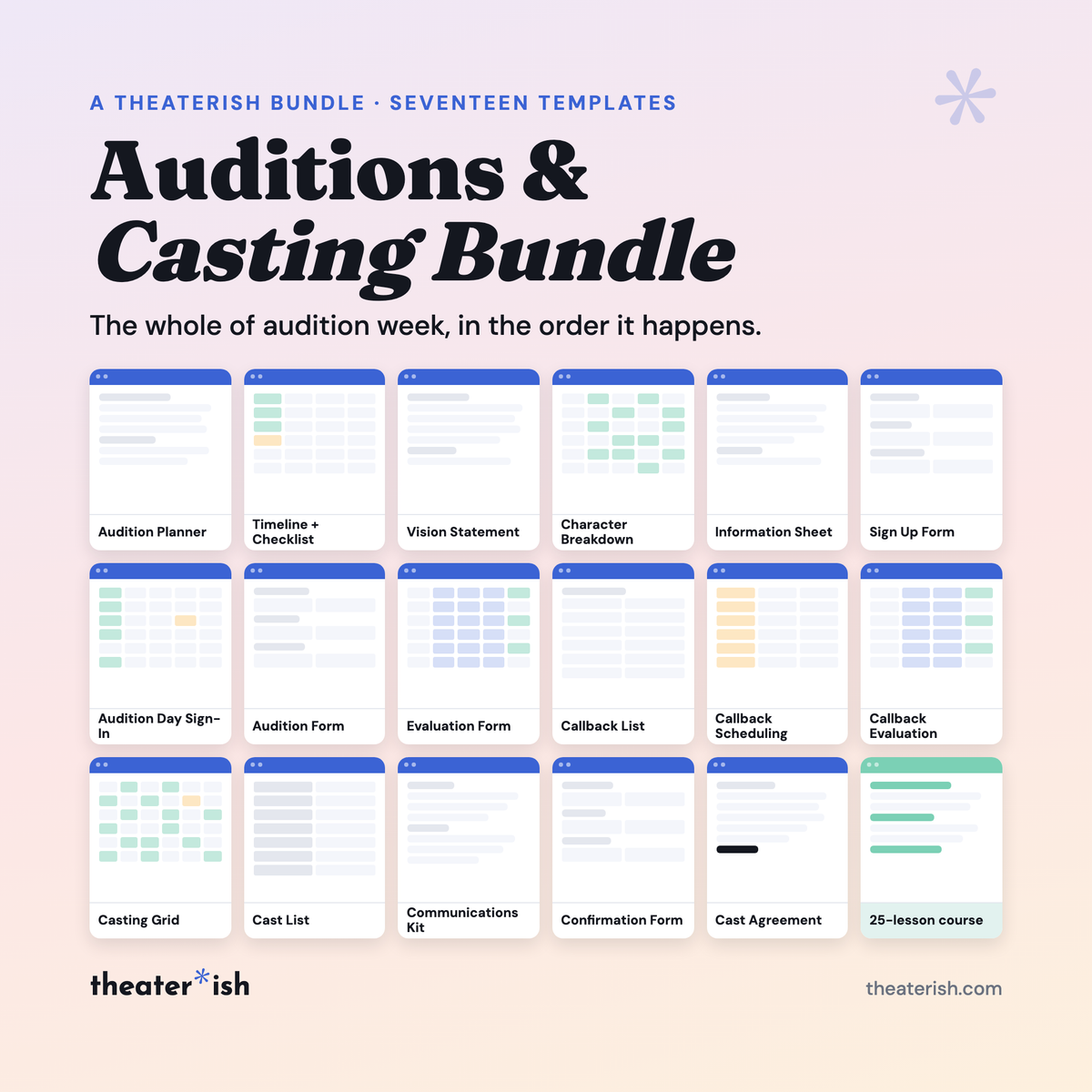
Seventeen templates that hand off in order, so every auditionee is typed once at the door and never retyped: sign-in, scoring, callbacks, casting grid, cast list.
What's inside
- Audition Planner, Timeline + Checklist, Vision Statement, Character Breakdown, Information Sheet
- Sign Up Form, Audition Form and Confirmation Form as Google Forms
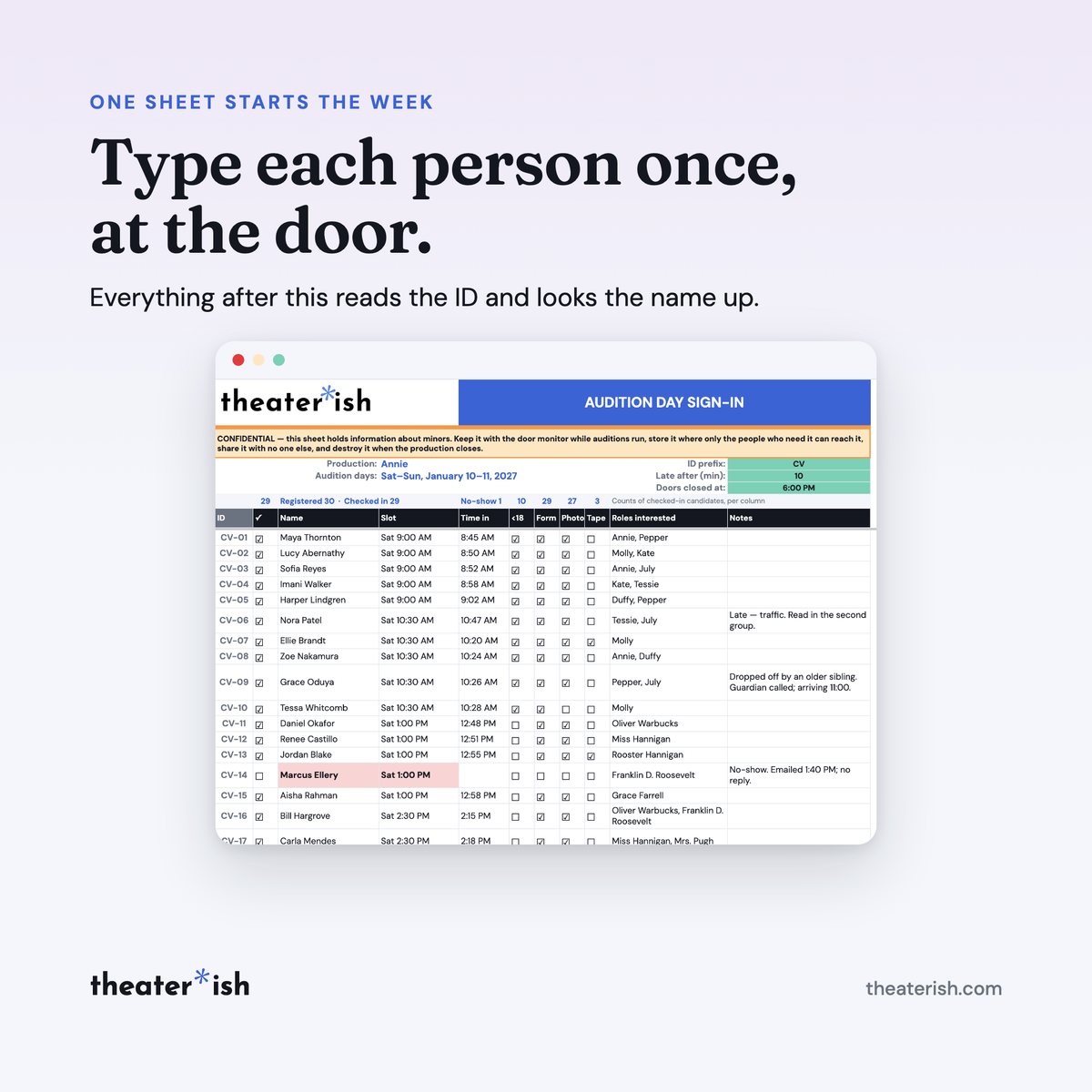
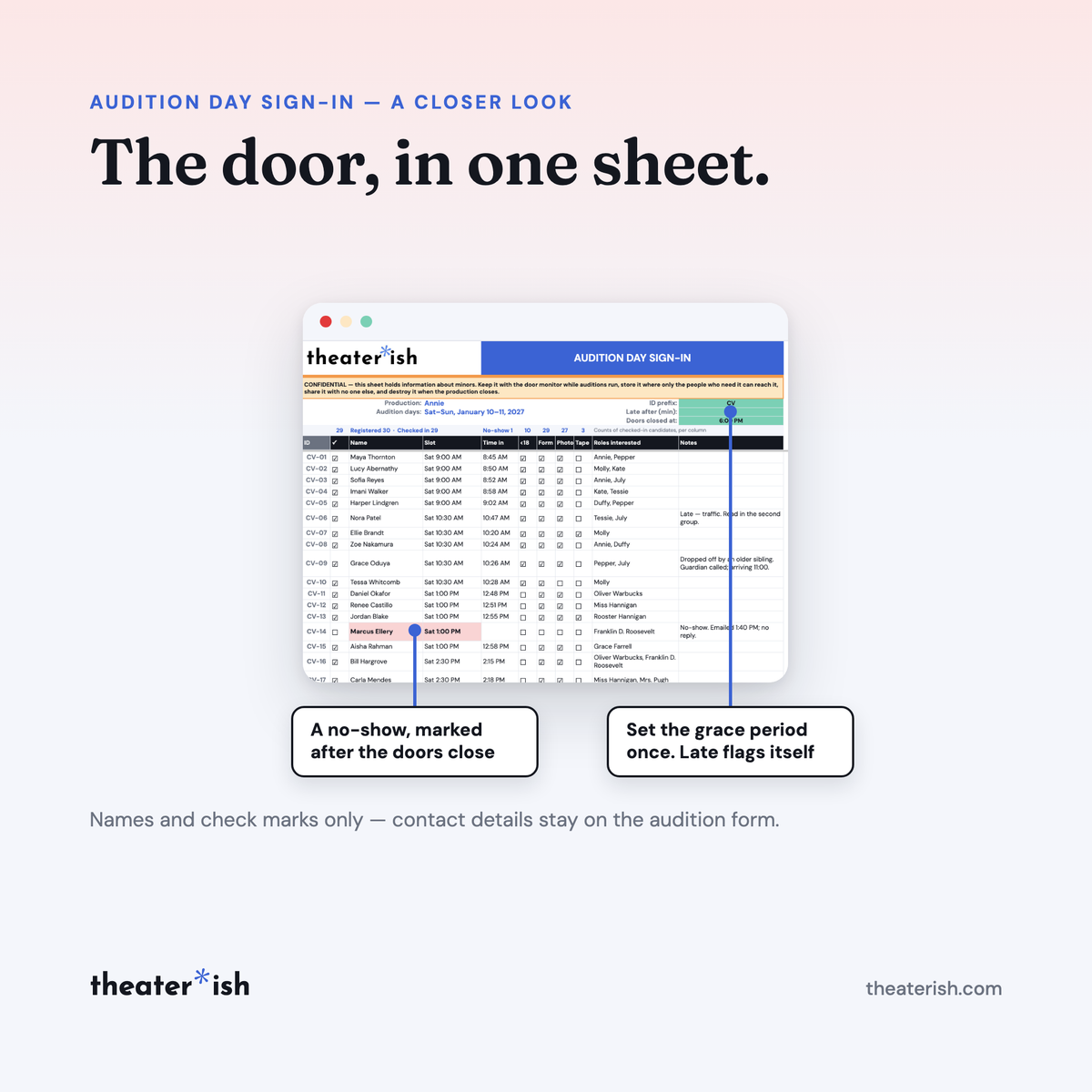
- Day Sign-In with late and no-show flags
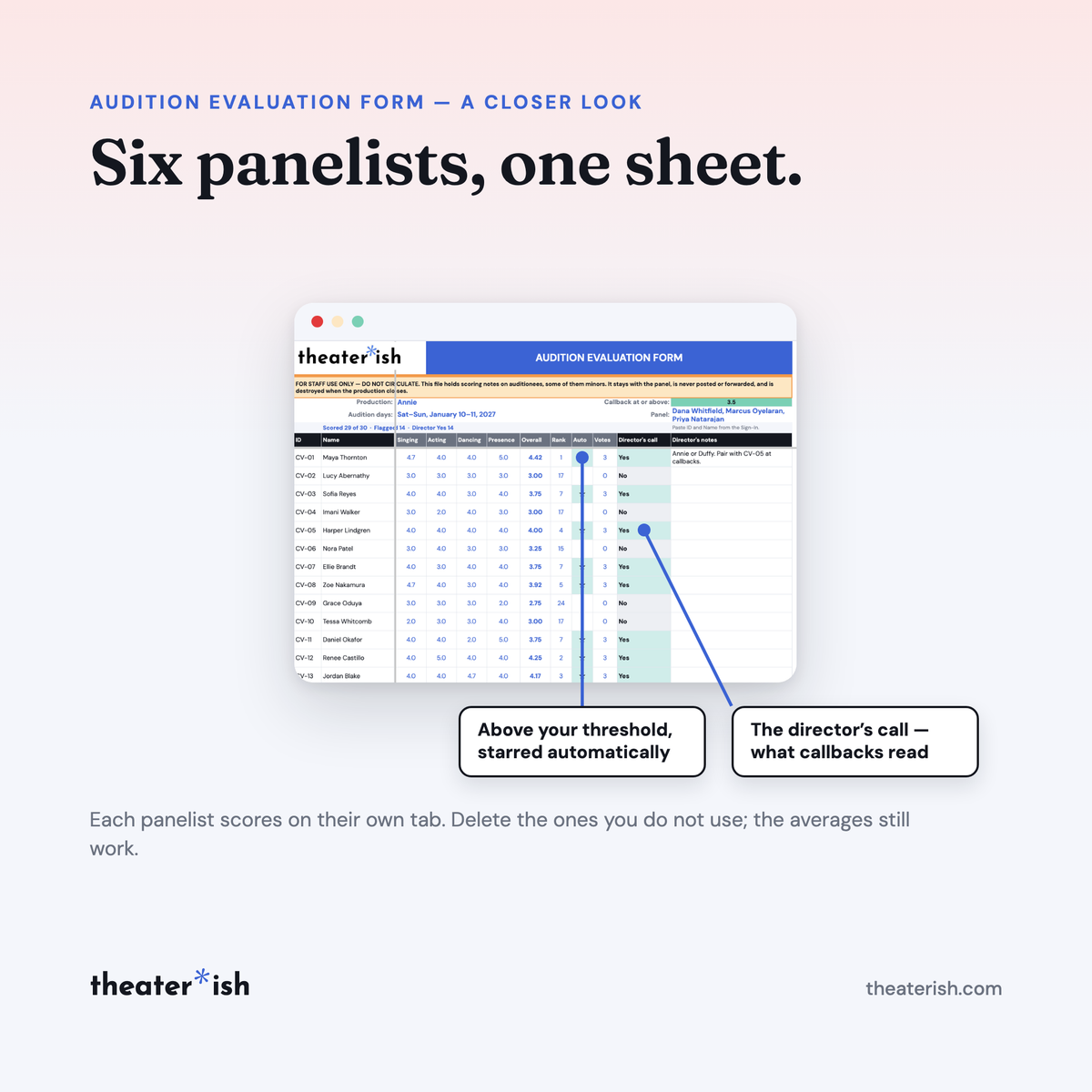
- Evaluation Form — six panelist tabs into one ranked sheet
- Callback List and Callback Scheduling
- Callback Evaluation Form
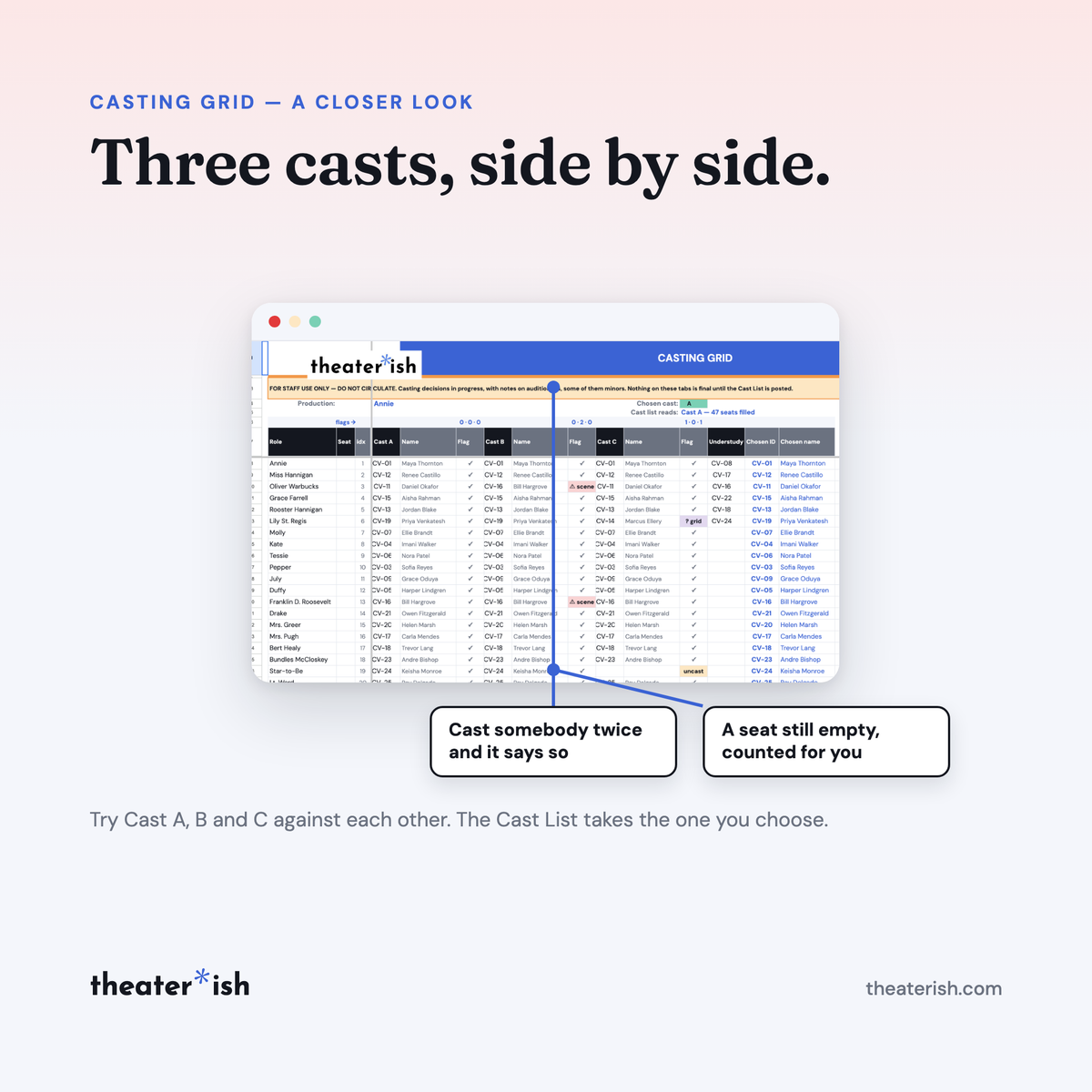
- Casting Grid — three casts side by side with clash flags
- Cast List, working and printable
- Communications Kit, ten notes
- Cast Agreement, school and community
About this product
Auditions can be the most logistically awkward week of a production. A third of the room hasn't auditioned before. Three people at the table are scoring the same singer differently. Somewhere there is a clipboard with the sign-in sheet but it got set down somewhere.
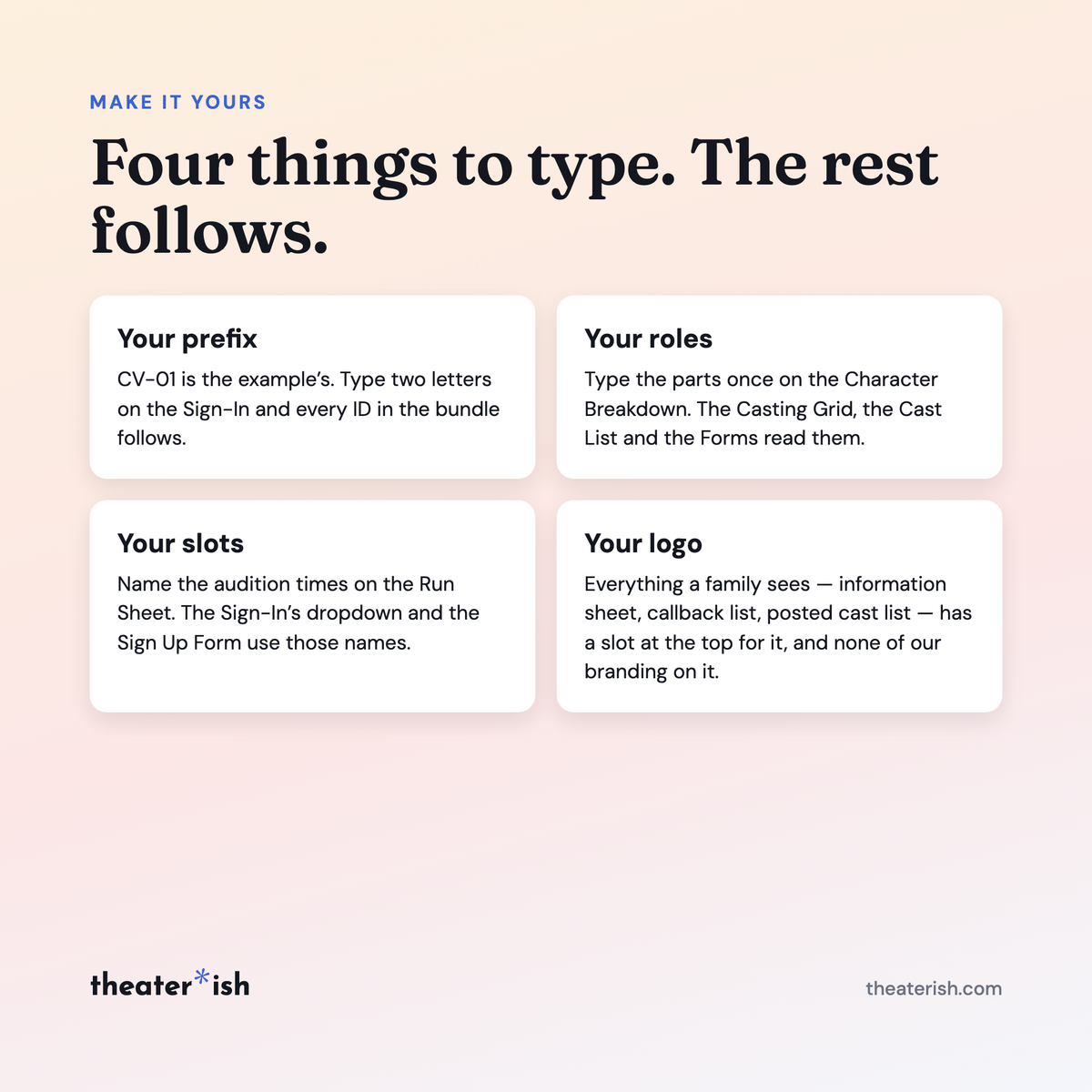
This bundles solves that, seventeen templates that hand off to each other in order from auditions to casting. Each person auditioning is typed once, at the door, and given an ID. Every sheet after that reads the ID and looks the name up — so a name spelled right once is spelled right on the cast list.
At a glance
- Format
- Google Sheets · Google Docs · Google Forms
- Category
- Directing
- Access
- Lifetime · fresh copies anytime
- Delivery
- Theaterish platform
- Best for
- Casting a show with children in the room
What's built in
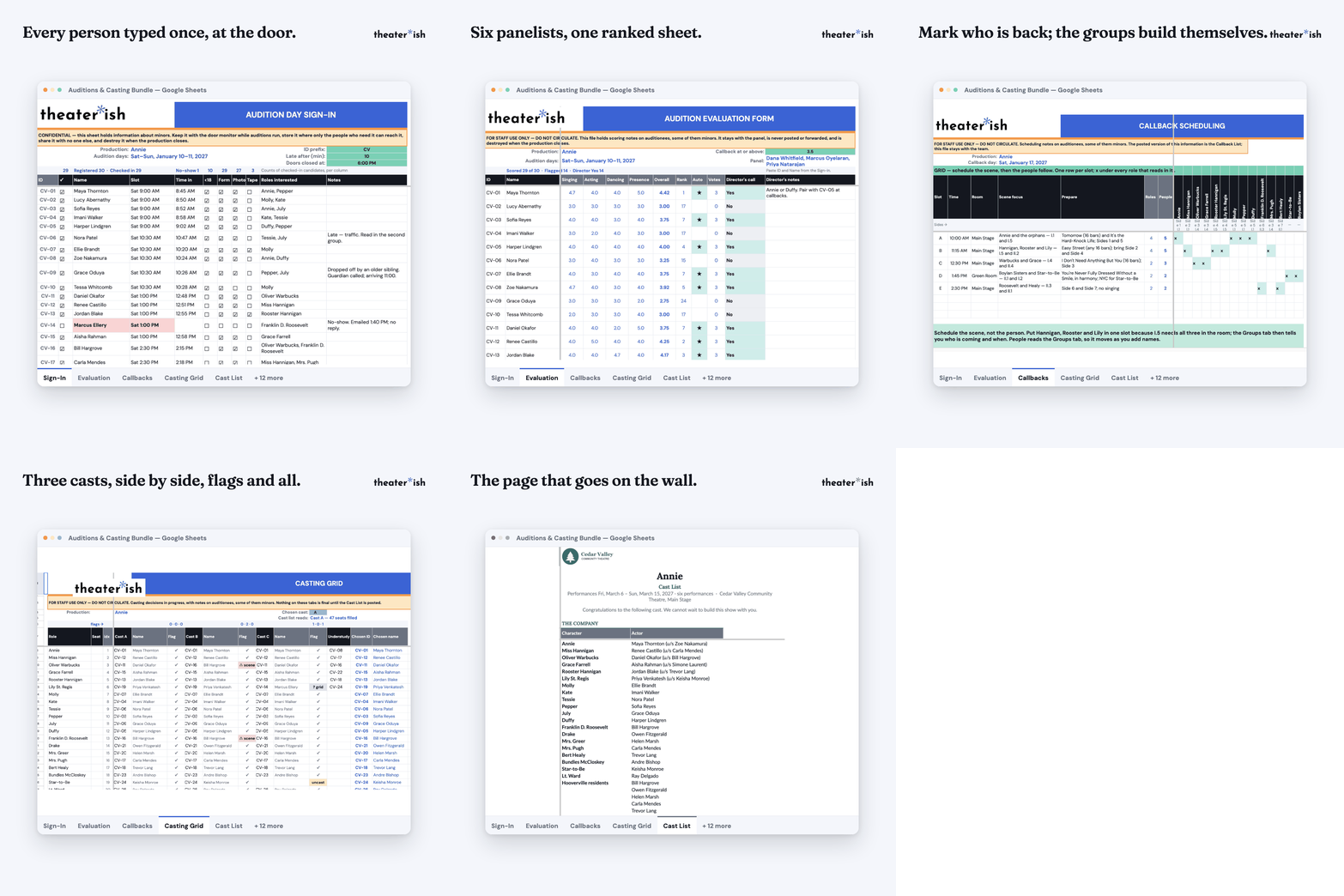
- One auditionee, start to finish. The Sign-In names each person with their own ID. Scores, callbacks, the casting grid and the cast list all read that ID. Nobody retypes a name four times.
- A panel that disagrees, on paper. Scoring tabs, one per panelist, averaging into a single ranked sheet. So you have data to back up your decisions.
- Callbacks, grouped and timed. Mark who you want back and the scheduling sheet builds the groups and the running order.
- A casting grid that argues with you. Try Cast A, B and C side by side. It flags the actor you've put in two places and the roles you haven't filled.
- Contact details in exactly one place. The sign-in sheet, the callback list and the posted cast list carry names only. While capturing contact info at exactly the right time.
- The under-eighteen rules, built in rather than remembered. A guardian column where it belongs, consent asked as a question with a real No, and a minor not cast until the guardian's answer is in.
And a 25-lesson course
The bundle is delivered as a course, not just a folder of files. One walkthrough lesson per template, in the order you use them. Showing you what to type, what to paste, what to print, and what usually goes wrong. Start at lesson one the week you announce, or open the one lesson you need at 9pm the night before.
What you get
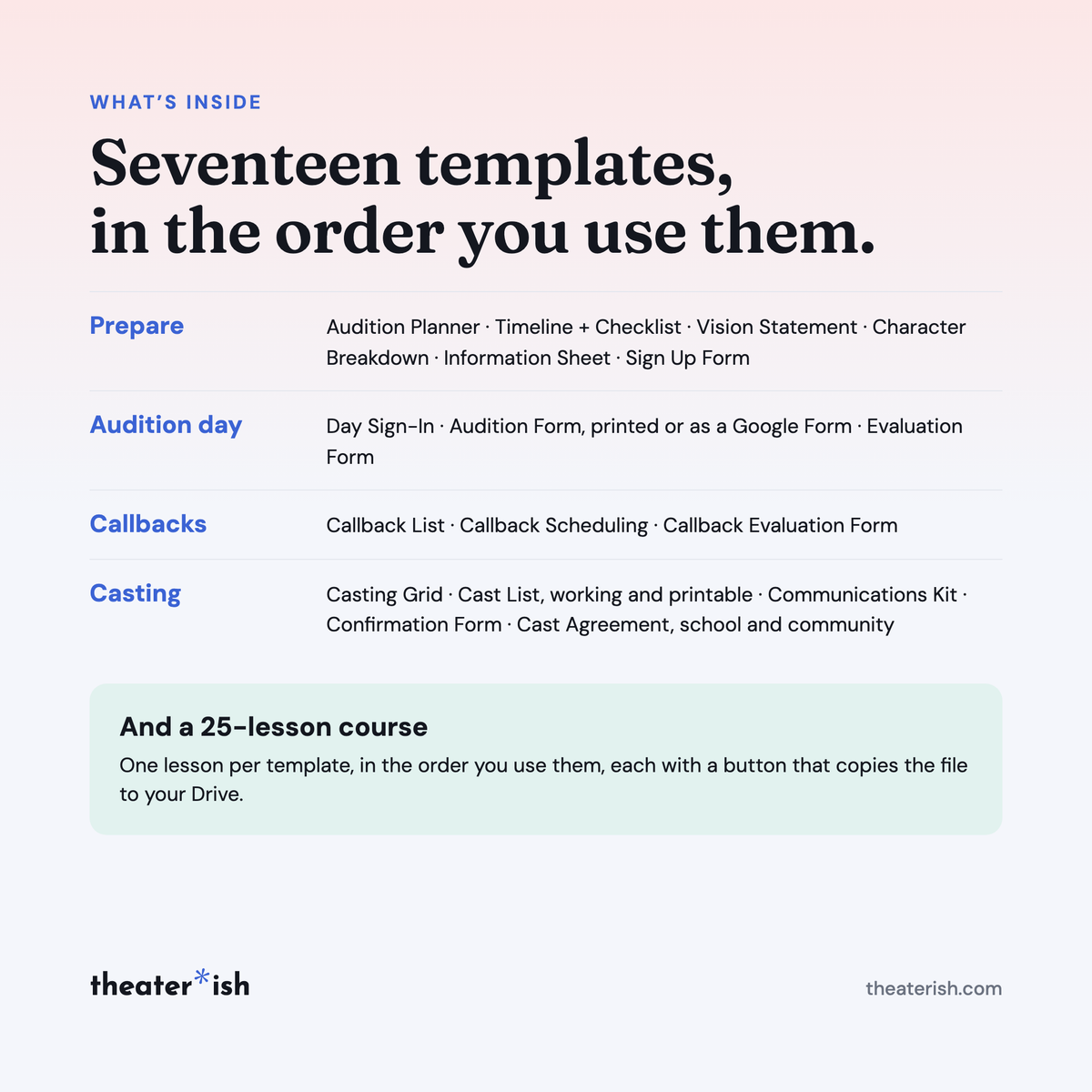
| Prepare | Audition Planner · Timeline + Checklist · Vision Statement · Character Breakdown · Information Sheet · Sign Up Form |
| Audition day | Day Sign-In · Audition Form (print or Google Form) · Evaluation Form |
| Callbacks | Callback List · Callback Scheduling · Callback Evaluation Form |
| Casting | Casting Grid · Cast List (working + printable) · Communications Kit · Confirmation Form · Cast Agreement (school + community) |
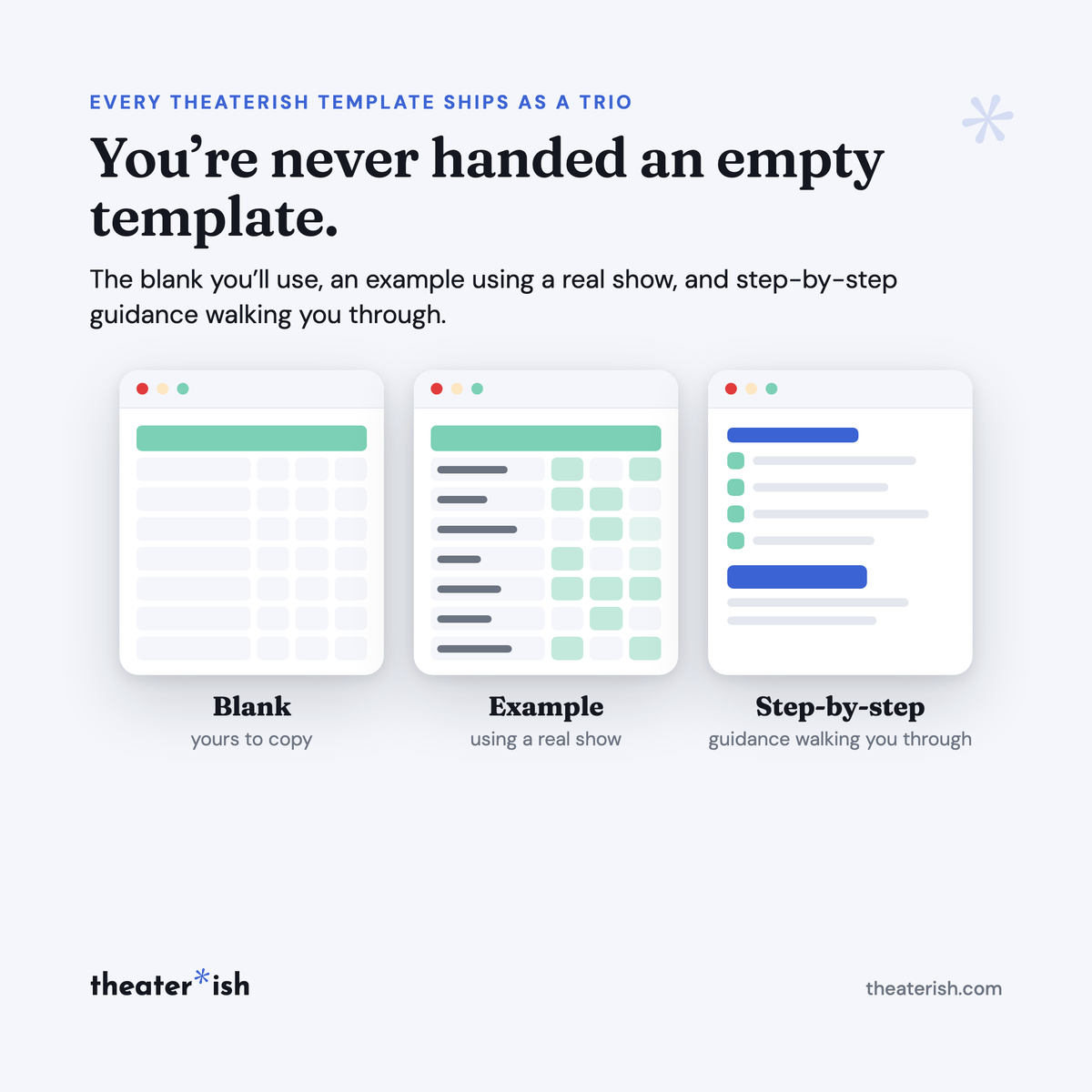
Every template ships blank and filled in. Three of them are Google Forms you copy, brand and send.
The worked example
One production runs through all seventeen examples: thirty auditionees over two days, fifteen called back, a cast of forty-seven roles. The same people, carried forward — so you can read the Sign-In, then find that person's scores, then their callback group, then the row where they were cast. The late arrival, the no-show and the walk-in are all in there, because the sheet has to handle them on the day.
Format
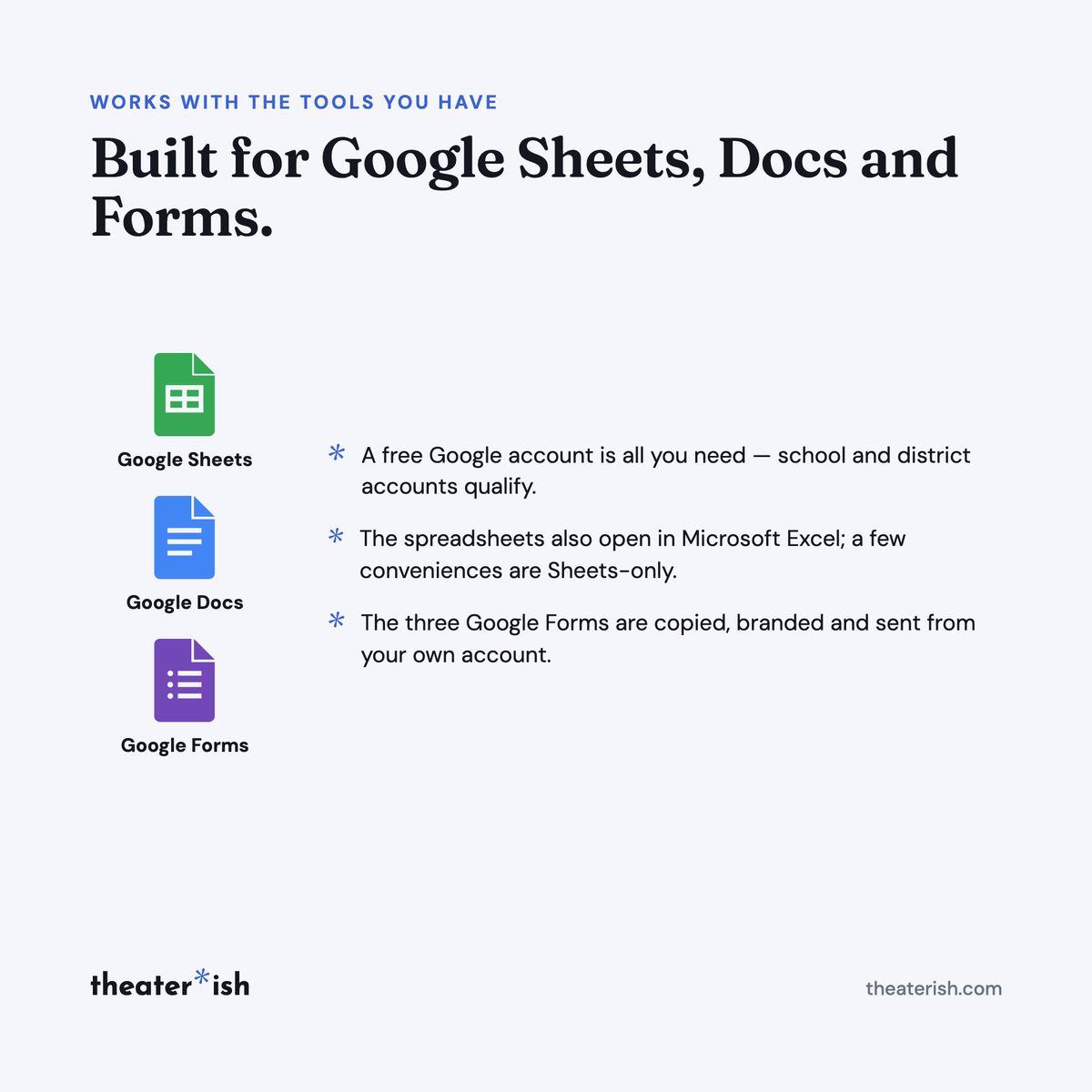
Built for Google Sheets and Google Docs. You take your own copy of each file; nothing you do touches ours, and nothing we change reaches yours. File ▸ Download gives you Excel or Word, but dropdowns, checkboxes and some formatting may not survive the trip.
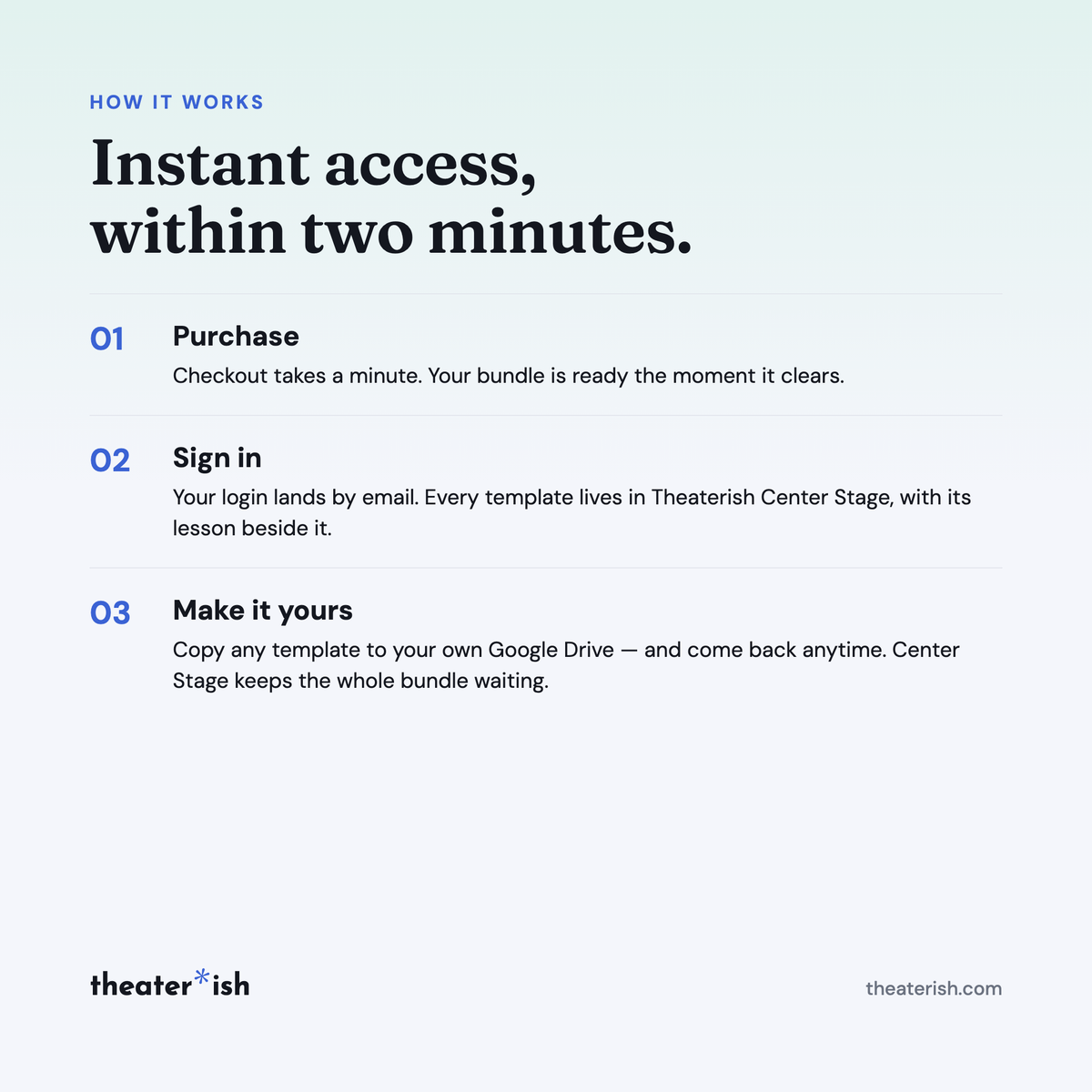
Delivered instantly in Theaterish Center Stage: 17 templates — 27 Google Sheets and Docs, blank and filled in, plus 3 Google Forms — and 25 walkthrough lessons.
Who it's for
Directors and stage managers casting a show with more people than chairs — community theatre, high school and college programs, and anyone whose audition room has children in it.
Common questions
Questions, answered.
Do I need Microsoft Office or Adobe to use these templates?
No. Theaterish templates are built in free tools — Google Sheets, Google Docs, and Canva. You don't need a paid Microsoft Office or Adobe subscription. You'll need a free Google account, and a free Canva account for Canva templates.
Is this a one-time purchase or a subscription?
It's a one-time purchase. You pay once and the templates are yours to keep and reuse for every show, season after season.
Can I reuse the templates for more than one production?
Yes. Every template is built to be reused — duplicate your copy for each new show and start fresh, as many times as you like.
How are the templates delivered?
Everything is digital. After checkout you'll receive access instantly — you copy each template into your own Google Drive or Canva account and make it your own. Nothing ships physically.
Can I customize the templates?
Yes. Every template is fully editable. Change colors, fonts, and content to match your production or program.
No courses, no homework
Every product is a trio.
The blank template
Clean and ready to fill in for your production this week.
A filled-in example
A real one, from an actual show — so you can see what done looks like.
A walkthrough
A short guided tour of the tool in use, start to finish.
What buyers say
Reviewed by people who've run the show.
“Set opening night once and every deadline fell into place. I stopped rebuilding this from scratch every season.”
“Handed it to a first-time SM and they ran with it — no training call needed.”
“The walkthrough answered the questions I didn't know I had. Worth it for that alone.”
Can't pick just one?
Bundle & Save
Mix and match any templates below, unlock an instant discount, and get everything you need in one go.