
Design & Tech
Props Kit
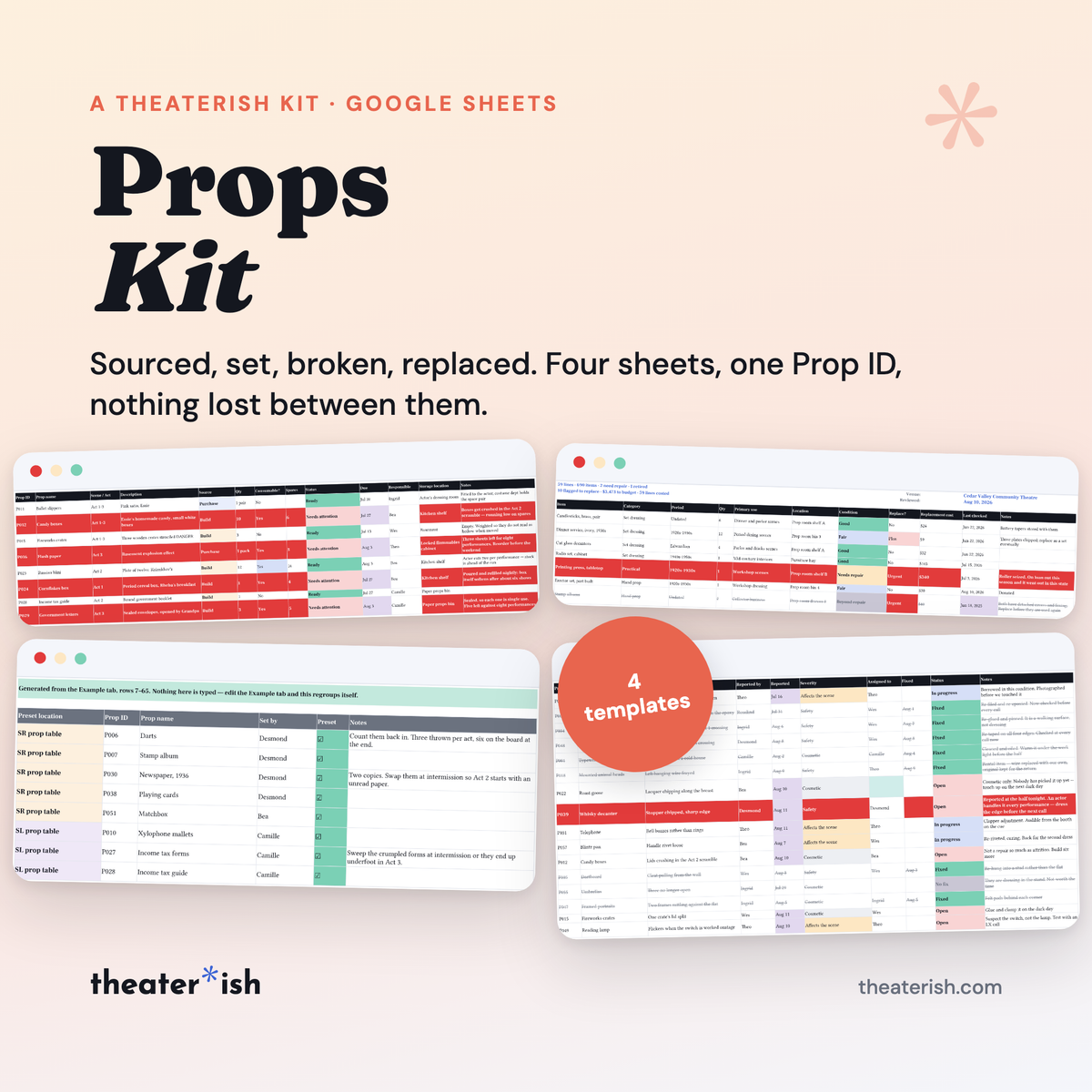
Four sheets that follow a prop from the first script read to strike. Source it, preset it, log it when it breaks, and keep the register it came off — all reading one Prop ID.
What's inside
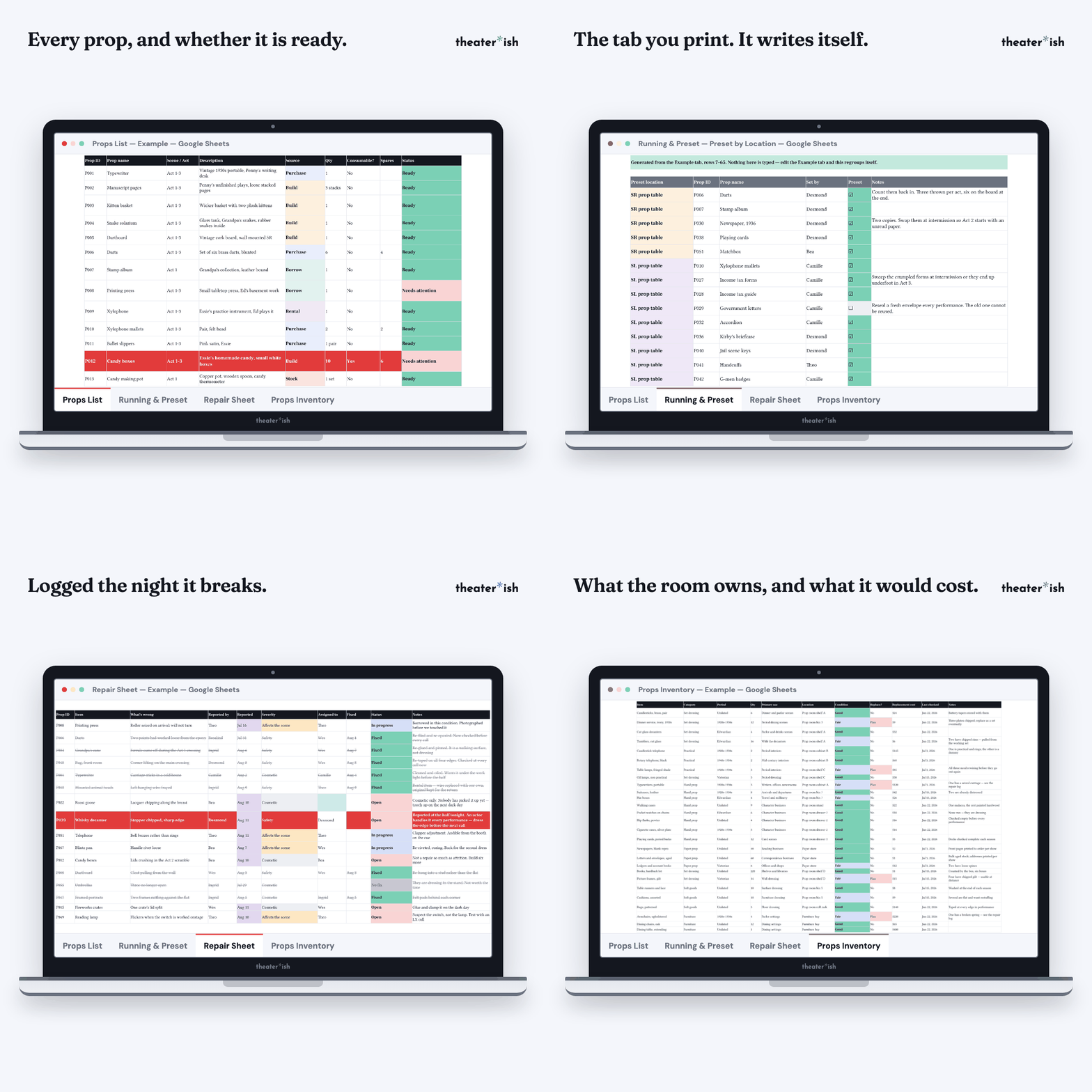
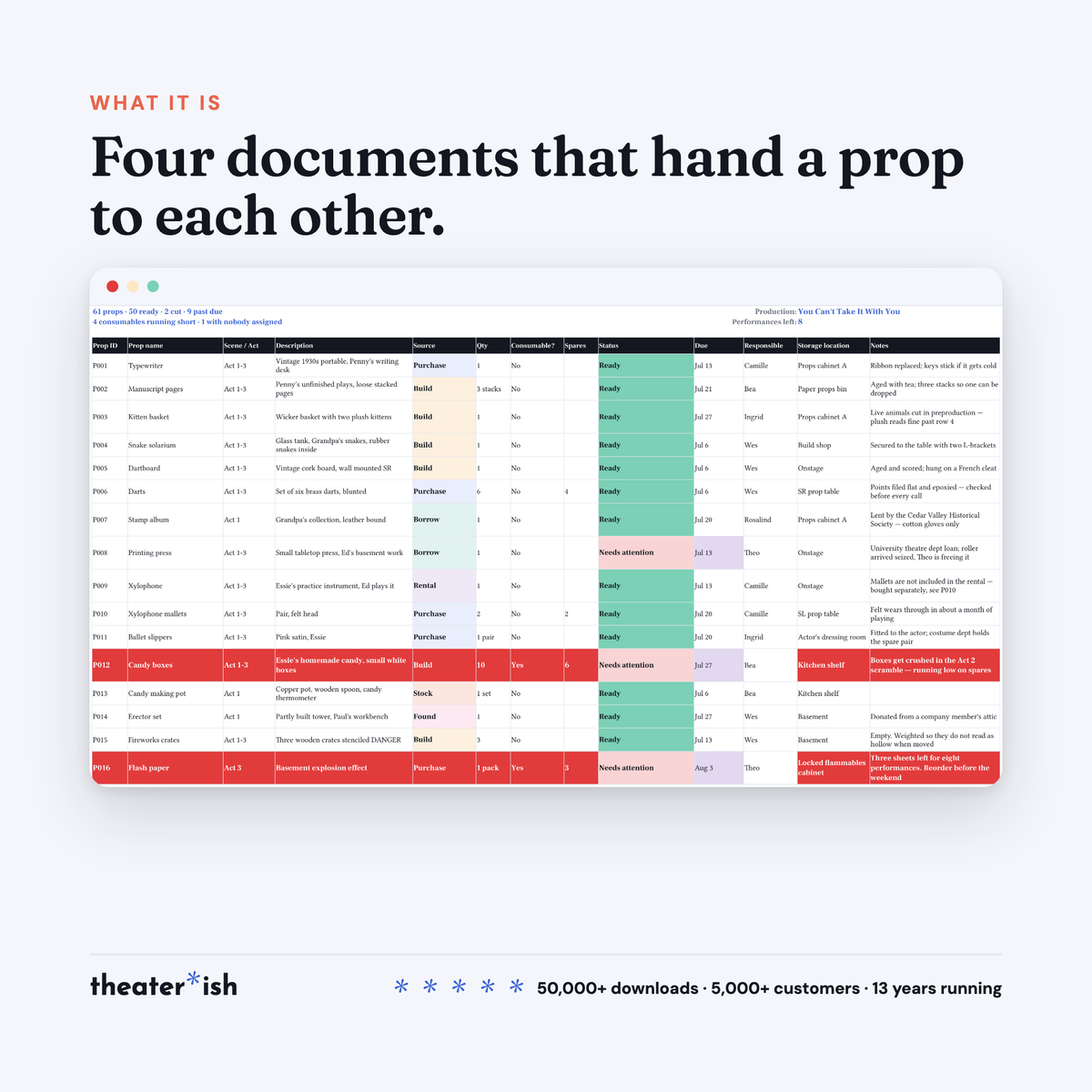
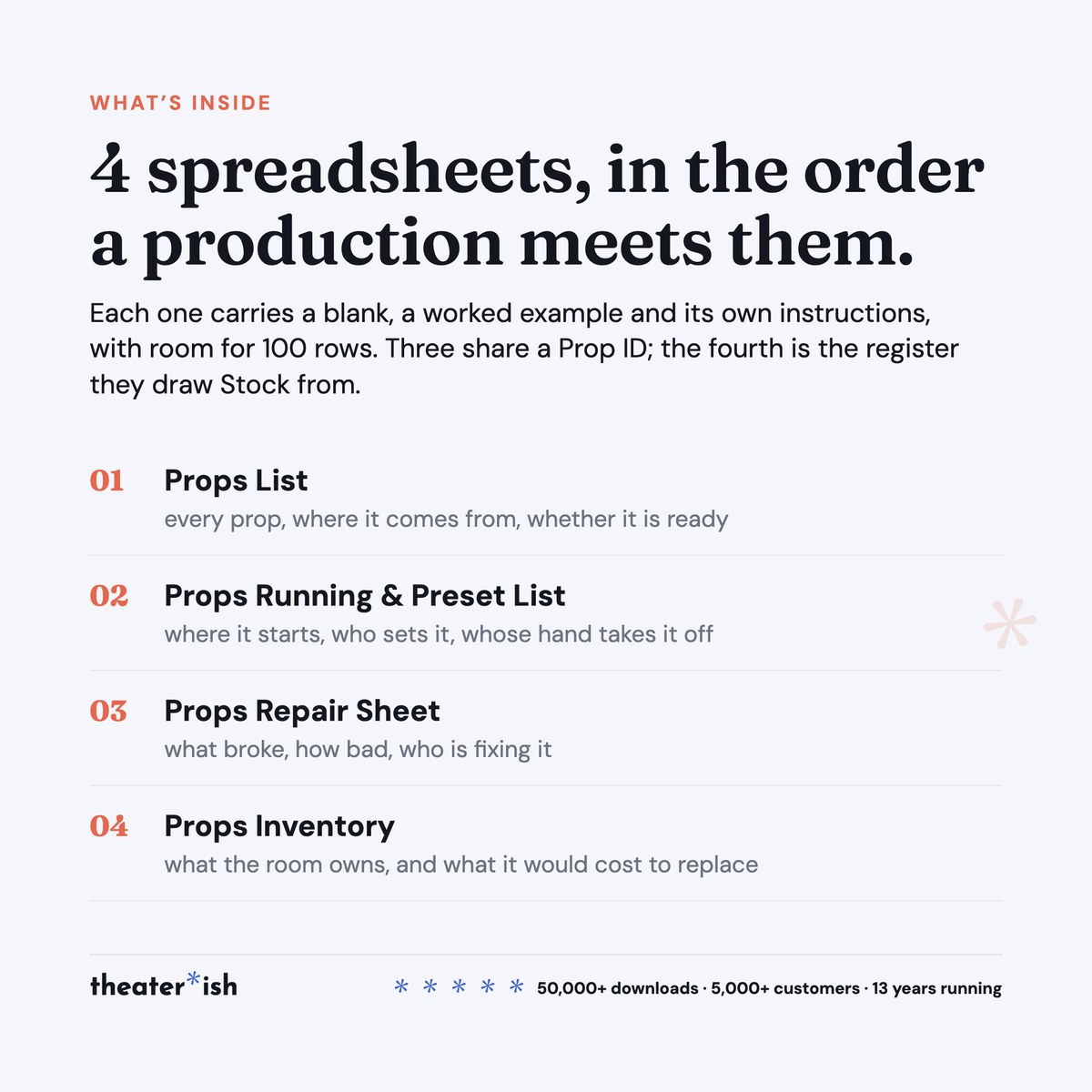
- Props List: every prop, its source, who is getting it, whether it is ready
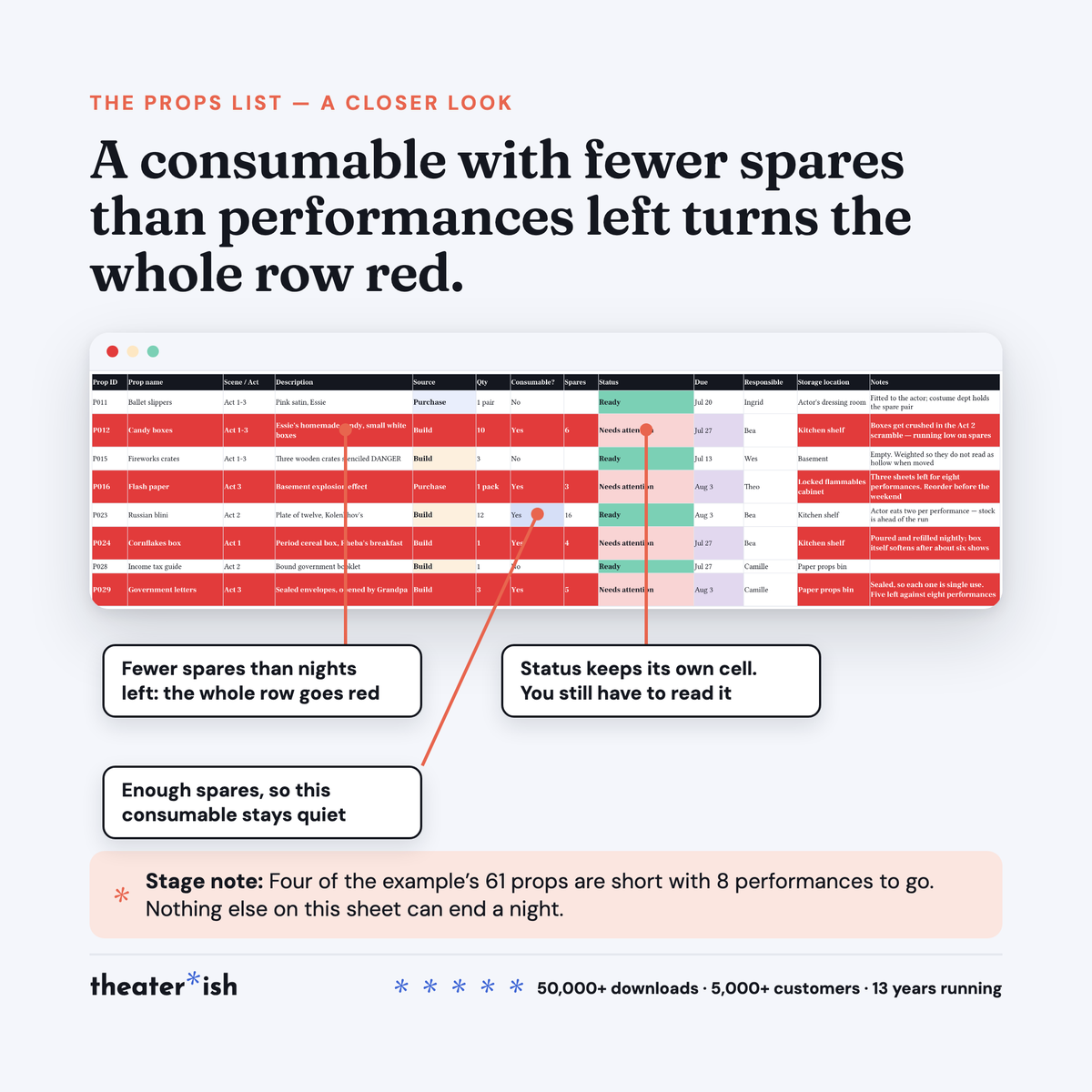
- A red row when a consumable will run out before closing
- Running & Preset List: where each prop starts, who sets it, whose hand takes it off
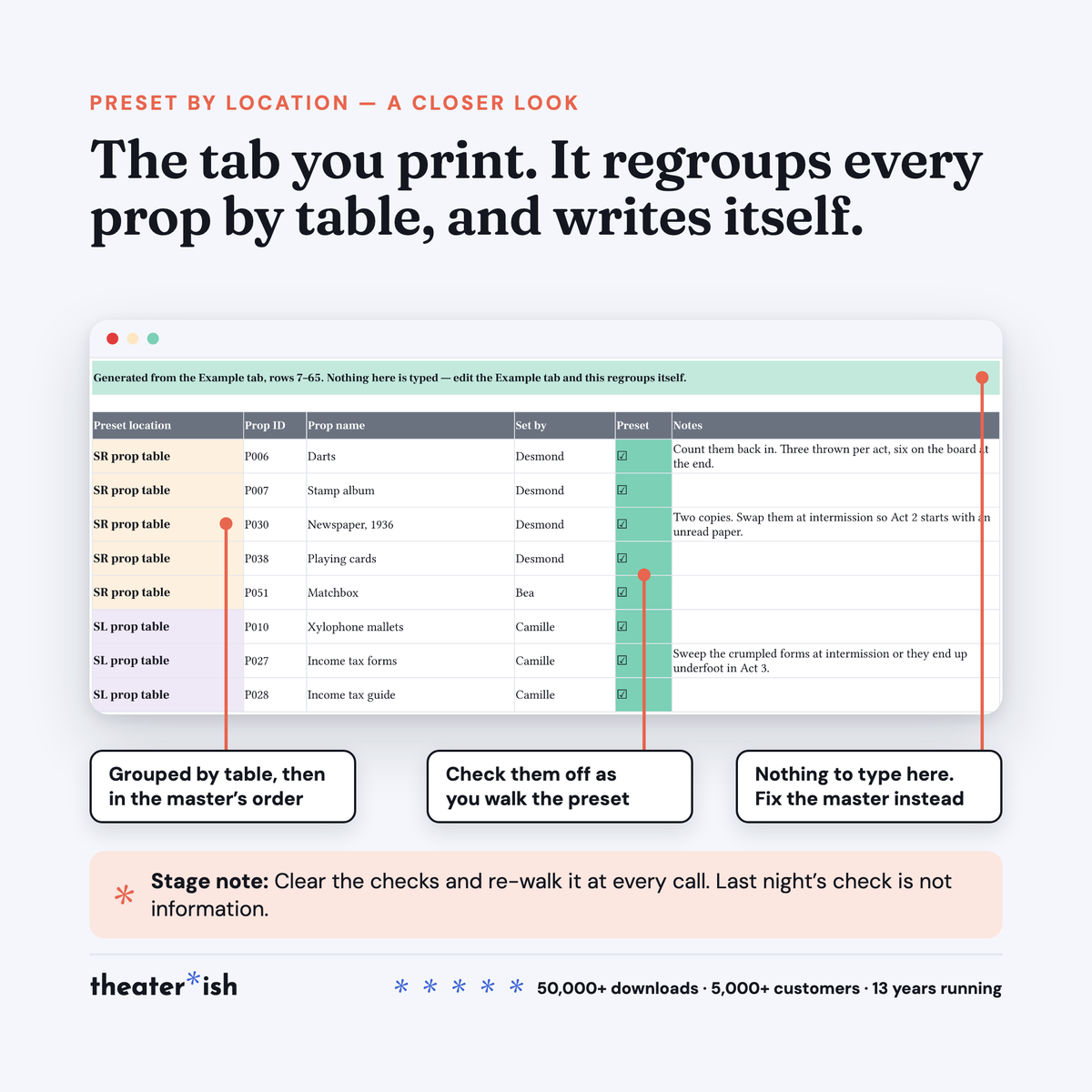
- Preset by Location tab that regroups itself by table, ready to print
- Repair Sheet: what broke, how bad, who is fixing it, with open safety counted at the top
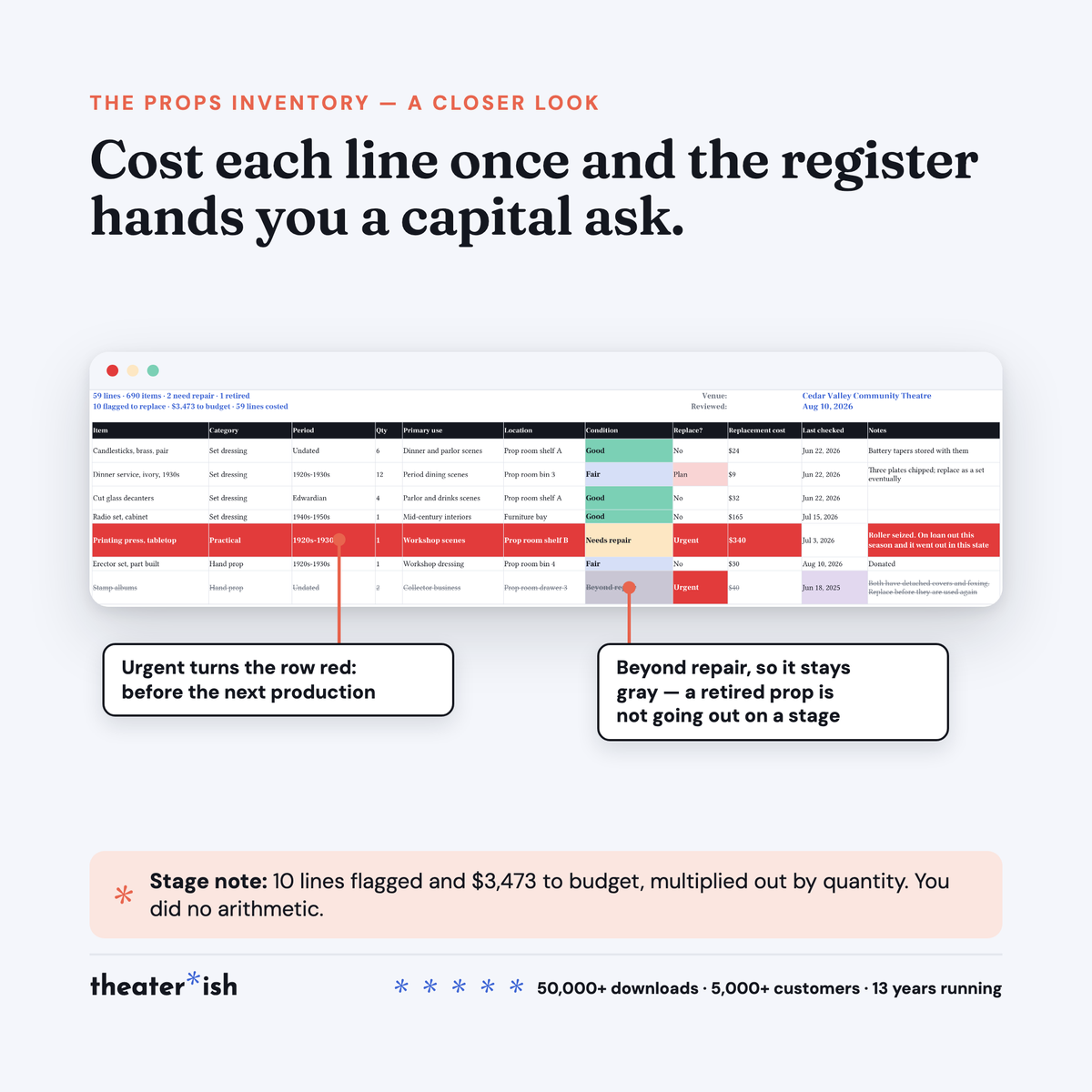
- Props Inventory: what the room owns, its condition, and a replacement budget it totals for you
- Room for 100 rows in each
- A filled-in You Can’t Take It With You example in all four
- Step-by-step walkthrough carrying all four copy links
About this product
Props is the department where the problem is always specific and always late. Something is missing, something is broken, or something has quietly run out — and you find out with an audience in the room, because nothing was counting.
Four prop templates, and they hand off to each other. Every prop gets an ID on the first one and keeps it through the other two, so anyone can follow one object from the day you decided to build it to the night it broke, without asking you.
At a glance
- Format
- Google Sheets
- Category
- Design & Tech
- Templates
- 4 included
- Access
- Lifetime · fresh copies anytime
- Delivery
- Instant download
- Best for
- Running props for one show, and the prop room between them
What’s built in
- One Prop ID, start to finish. P014 on the Props List is P014 on the preset and P014 in the repair log. Nobody retypes a name three times, and nobody argues about which decanter.
- A red row before you run out, not after. Mark a prop consumable, type how many spares you actually hold, and put the performances remaining in the box at the top. When the spares drop below the shows left, the whole row goes red. Nothing else on that sheet can end a night.
- A preset list that reorders itself. You build the show in Prop ID order and you walk the preset table by table. The Preset by Location tab regroups every row by position, writes itself, and is the one you print and tape up.
- The column most props paperwork skips. Whose hand takes the prop when it leaves the stage. Leave it blank on a prop that exits and the cell flags — which is how props stop ending up in dressing rooms, cars and, once, a fridge.
- Open safety repairs, counted before the house opens. Severity is the colored column, not status. A safety row turns red and stays red until somebody closes it, and the top line tells you how many there are without you reading the log.
- A replacement budget that needs no arithmetic. Cost each line in the register once. The sheet multiplies by quantity, adds up everything flagged Plan or Urgent, and hands you a number you can take to the board.
What you get
| Props List | Every prop in the show: source, quantity, who is getting it, due date, status, and the consumable flag. |
| Props Running & Preset List | Where each prop starts, who sets it, where it travels, where it ends, whose hand takes it off — plus a Preset by Location tab that writes itself. |
| Props Repair Sheet | What broke, how bad, who is fixing it, and whether it was closed or deliberately left. |
| Props Inventory | What the prop room owns between shows: category, period, condition, location, and what it would cost to replace. |
Each one ships blank, filled in, and with its own instructions. Room for 100 rows apiece.
The worked example
You Can’t Take It With You at Cedar Valley Community Theatre, in its final dress week with eight performances to go. Sixty-one props on the list, fifty-nine of them preset — the two cut props do not come across, because a cut prop has no preset.
Four rows are red: candy boxes, flash paper, cornflakes and the sealed government letters, each with fewer spares than there are shows left. Sixteen repairs are logged, six of them safety, five of those closed within a day and one still open with the house about to go in. The register runs to fifty-nine lines covering six hundred and ninety items and totals $3,473 to replace.
Format
Google Sheets. The walkthrough PDF carries all four copy links; each copy lands in your Drive and is yours to rename, share and reuse next show. A free Google account is all you need, and school and district accounts already qualify.
They open in Excel via File ▸ Download. The grids come across cleanly; dropdowns, check boxes and the color rules are the parts built on Sheets and the parts most likely to lose functionality. If you have the choice, use Sheets.
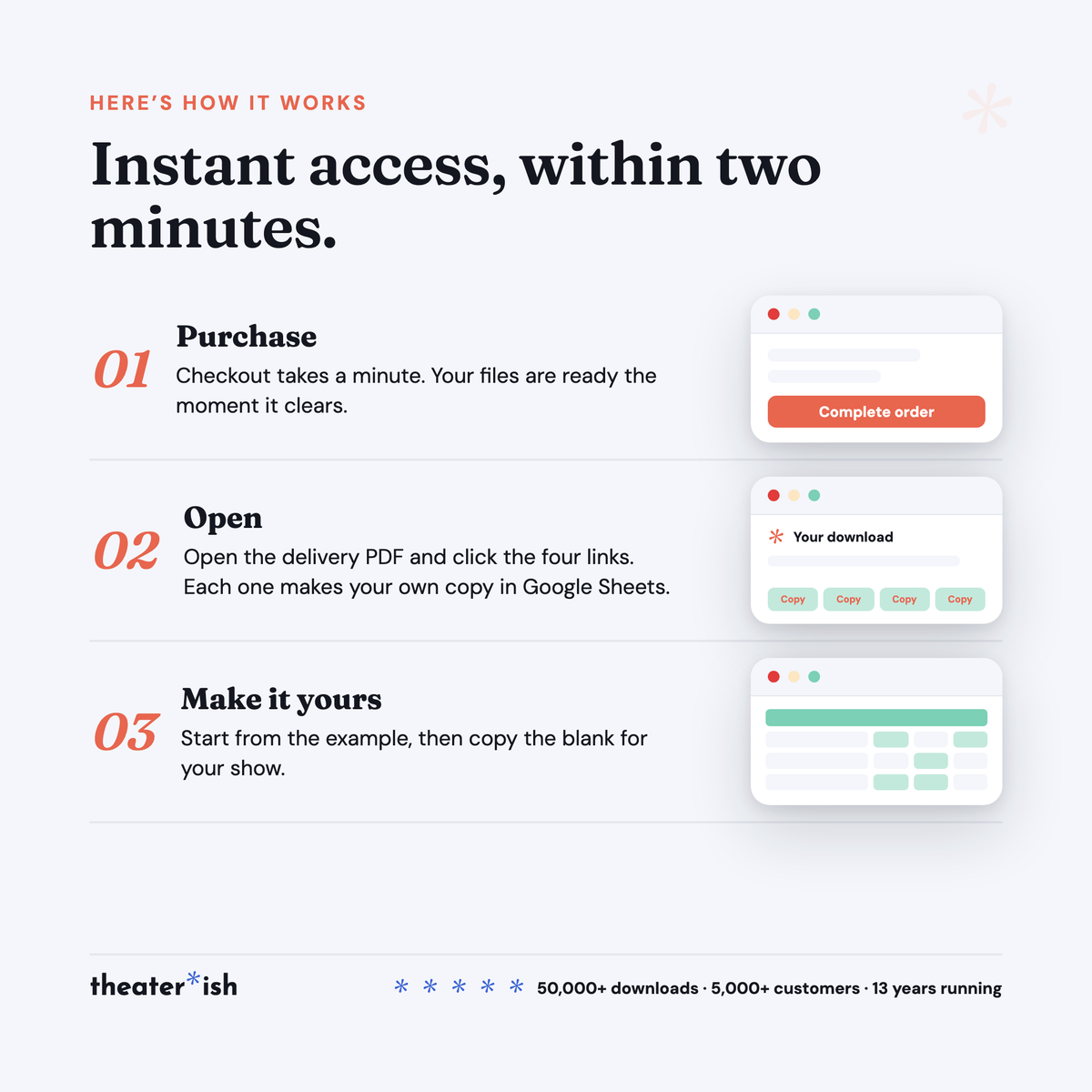
Delivered instantly: four Sheets, fourteen tabs, and a step-by-step walkthrough with all four copy links.
Who it’s for
Whoever runs props — a community-theatre props master, a teacher whose student crew runs the tables, a parent who said yes. Stage managers who inherit the preset when tech starts. And anyone responsible for a prop room that outlives the shows passing through it.
Common questions
Questions, answered.
Do I need Microsoft Office or Adobe to use these templates?
No. Theaterish templates are built in free tools — Google Sheets, Google Docs, and Canva. You don't need a paid Microsoft Office or Adobe subscription. You'll need a free Google account, and a free Canva account for Canva templates.
Is this a one-time purchase or a subscription?
It's a one-time purchase. You pay once and the templates are yours to keep and reuse for every show, season after season.
Can I reuse the templates for more than one production?
Yes. Every template is built to be reused — duplicate your copy for each new show and start fresh, as many times as you like.
How are the templates delivered?
Everything is digital. After checkout you'll receive access instantly — you copy each template into your own Google Drive or Canva account and make it your own. Nothing ships physically.
Can I customize the templates?
Yes. Every template is fully editable. Change colors, fonts, and content to match your production or program.
No courses, no homework
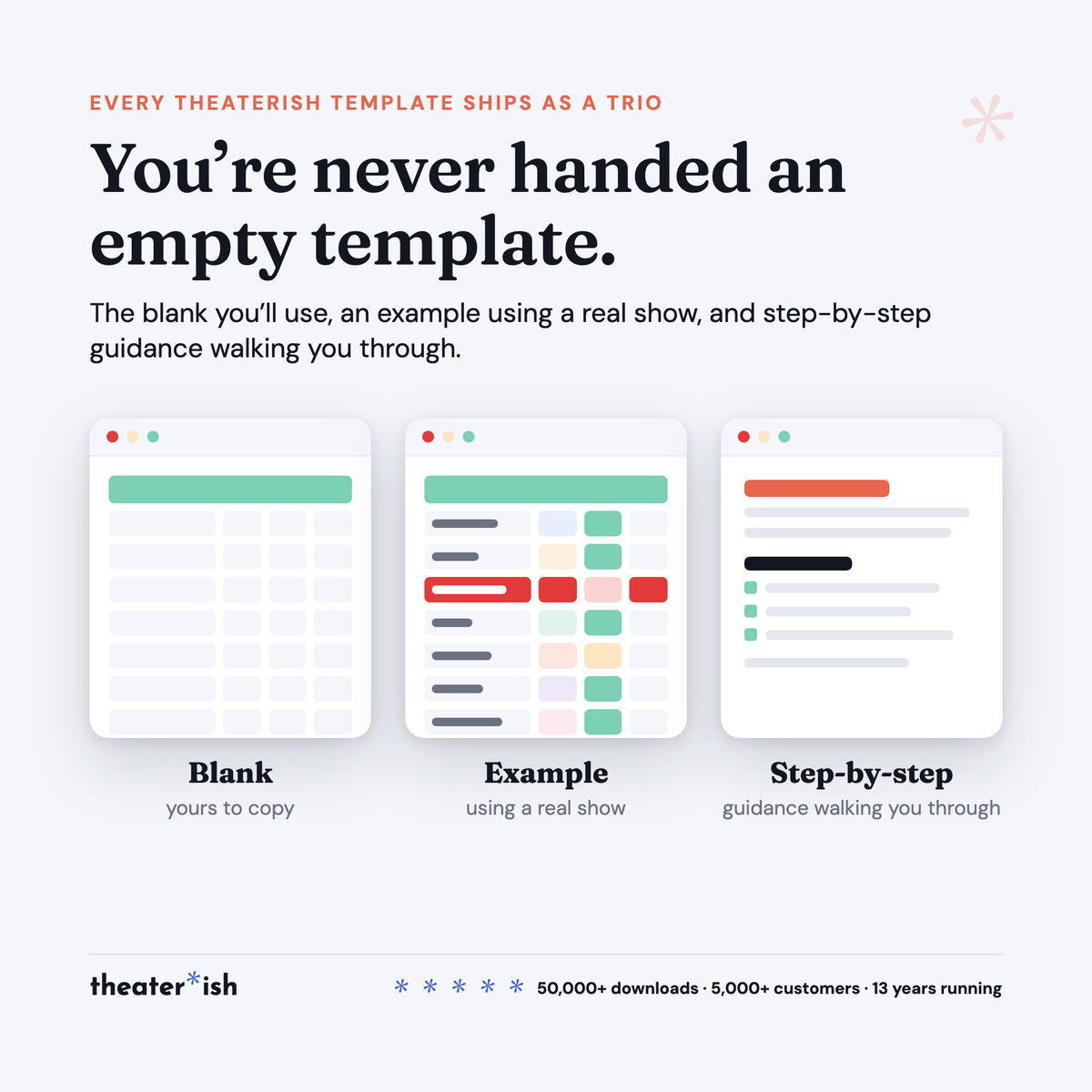
Every product is a trio.
The blank template
Clean and ready to fill in for your production this week.
A filled-in example
A real one, from an actual show — so you can see what done looks like.
A walkthrough
A short guided tour of the tool in use, start to finish.
What buyers say
Reviewed by people who've run the show.
“Set opening night once and every deadline fell into place. I stopped rebuilding this from scratch every season.”
“Handed it to a first-time SM and they ran with it — no training call needed.”
“The walkthrough answered the questions I didn't know I had. Worth it for that alone.”
Can't pick just one?
Bundle & Save
Mix and match any templates below, unlock an instant discount, and get everything you need in one go.