Producing
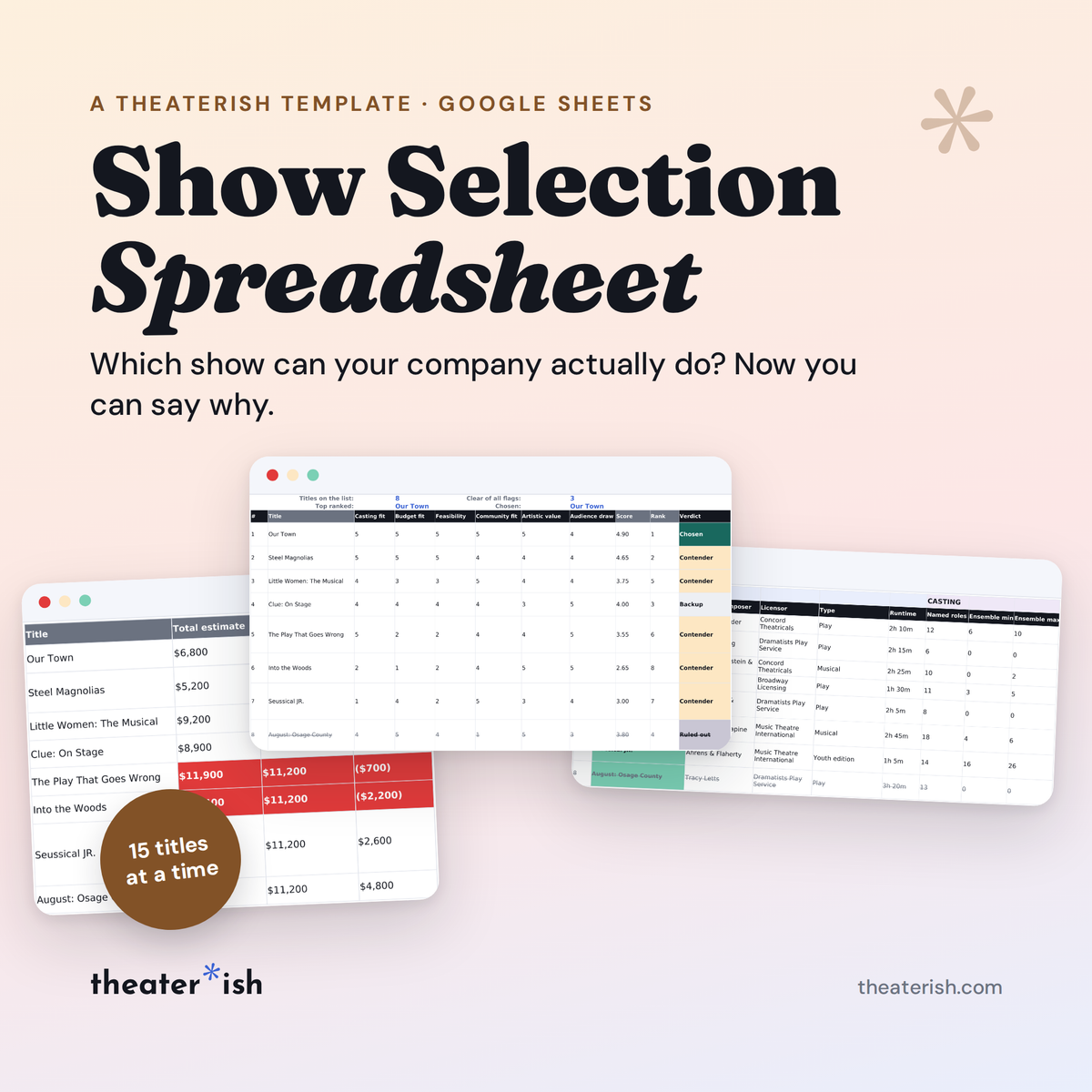
Show Selection Spreadsheet
Compare every candidate show against your own numbers from cast size, cost to rights, content -- so the wrong title fails before you fall for it.
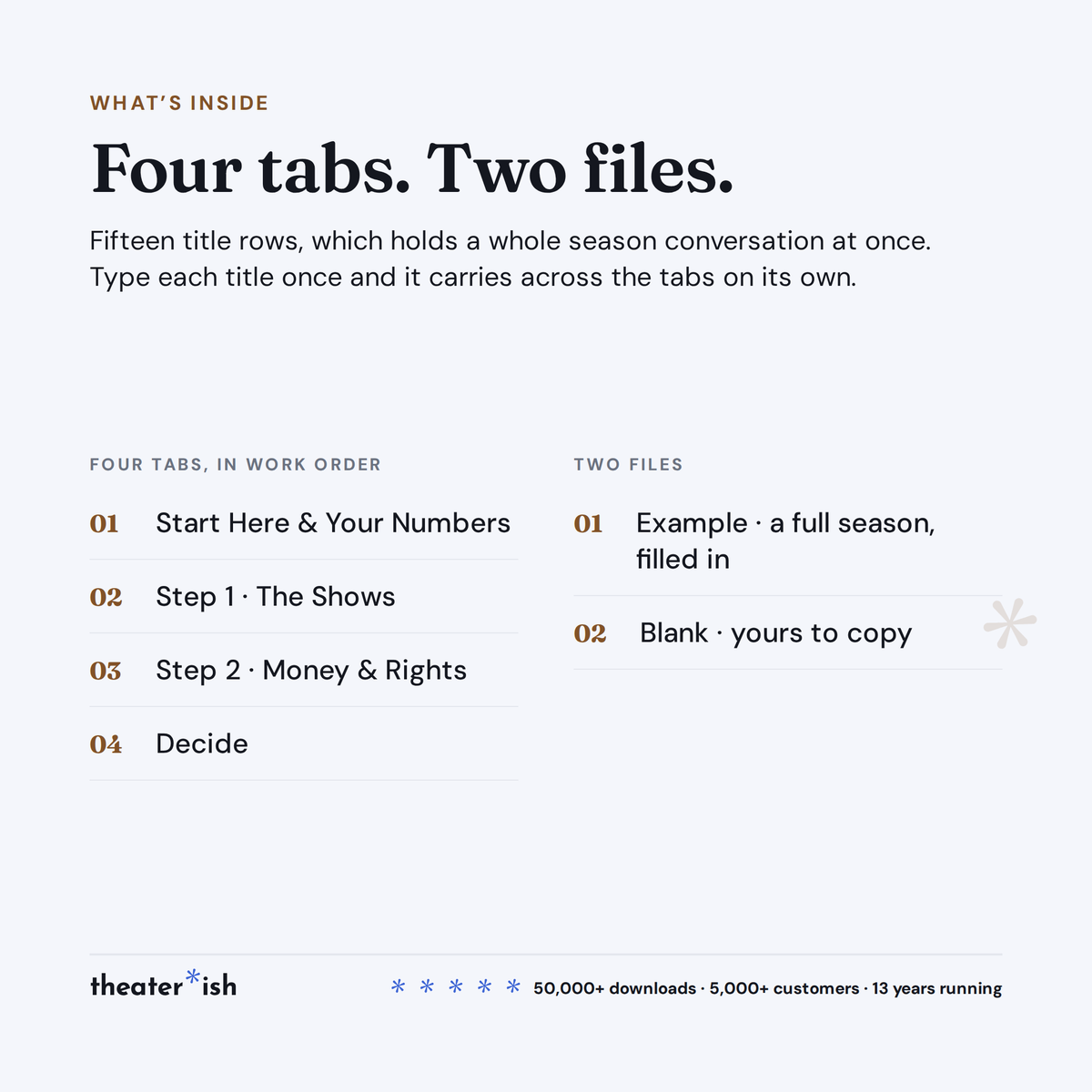
What's inside
- Start Here — your twelve key parameters for show selection
- Step 1: Titles Listed with details from casting to verdict
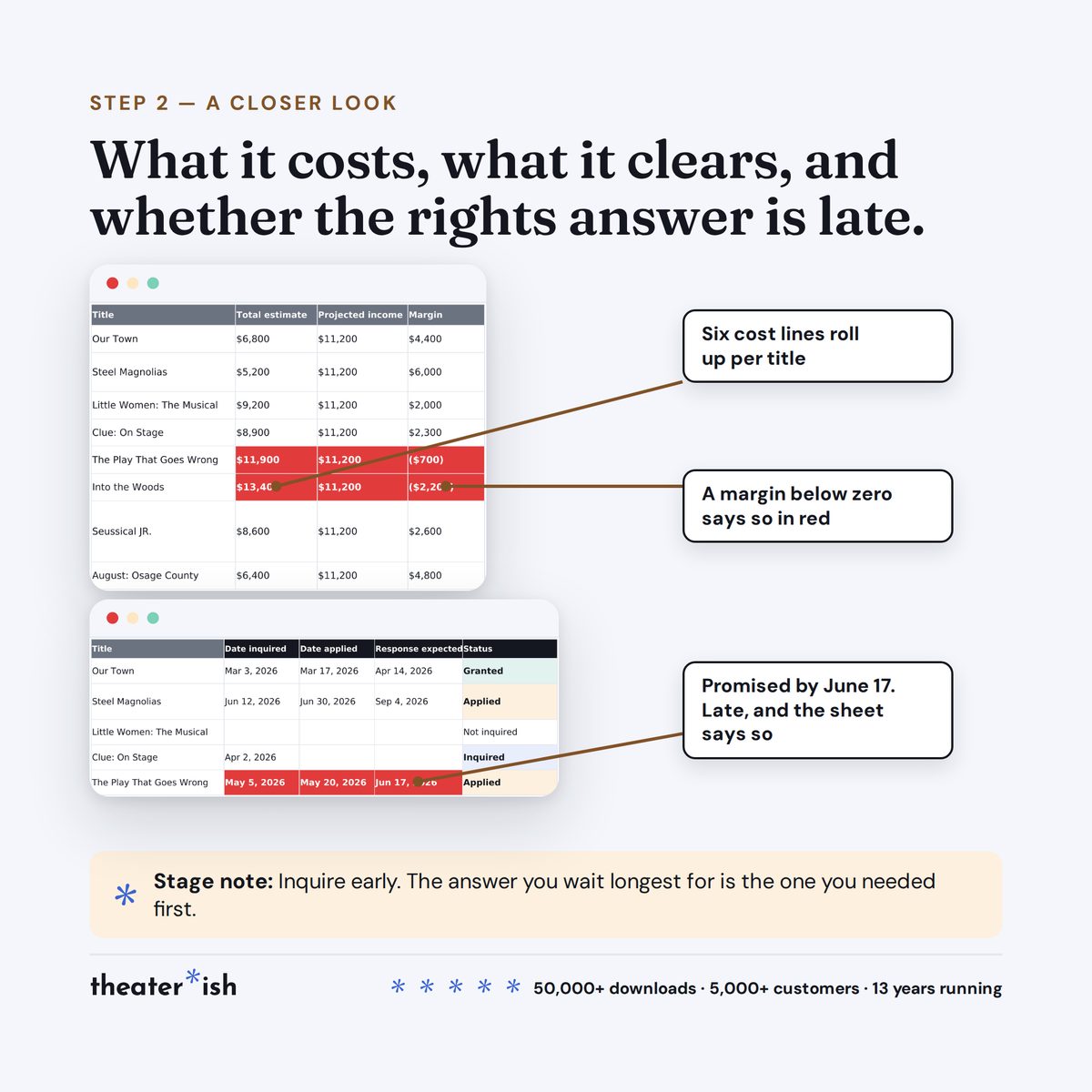
- Step 2: Cost and Licensing
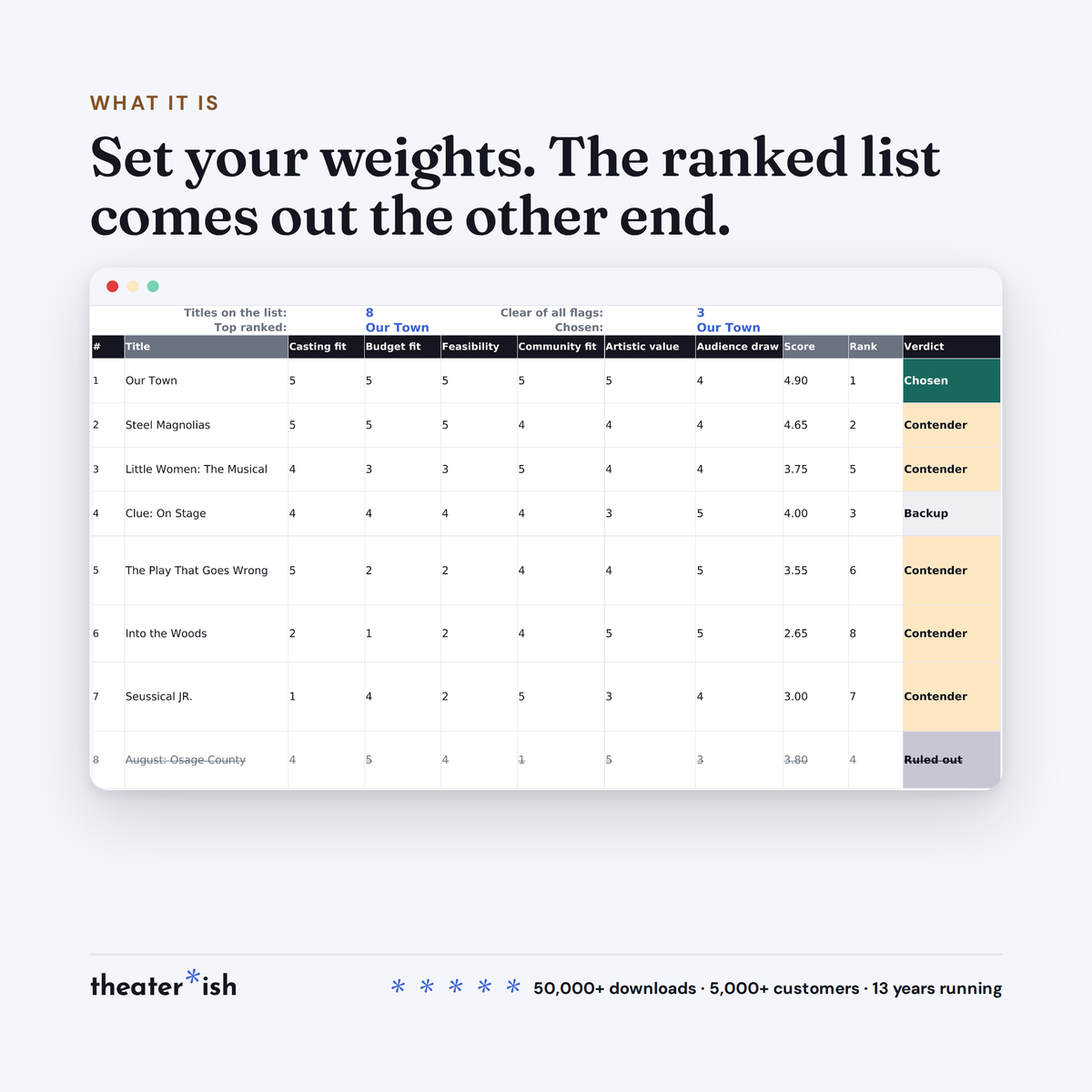
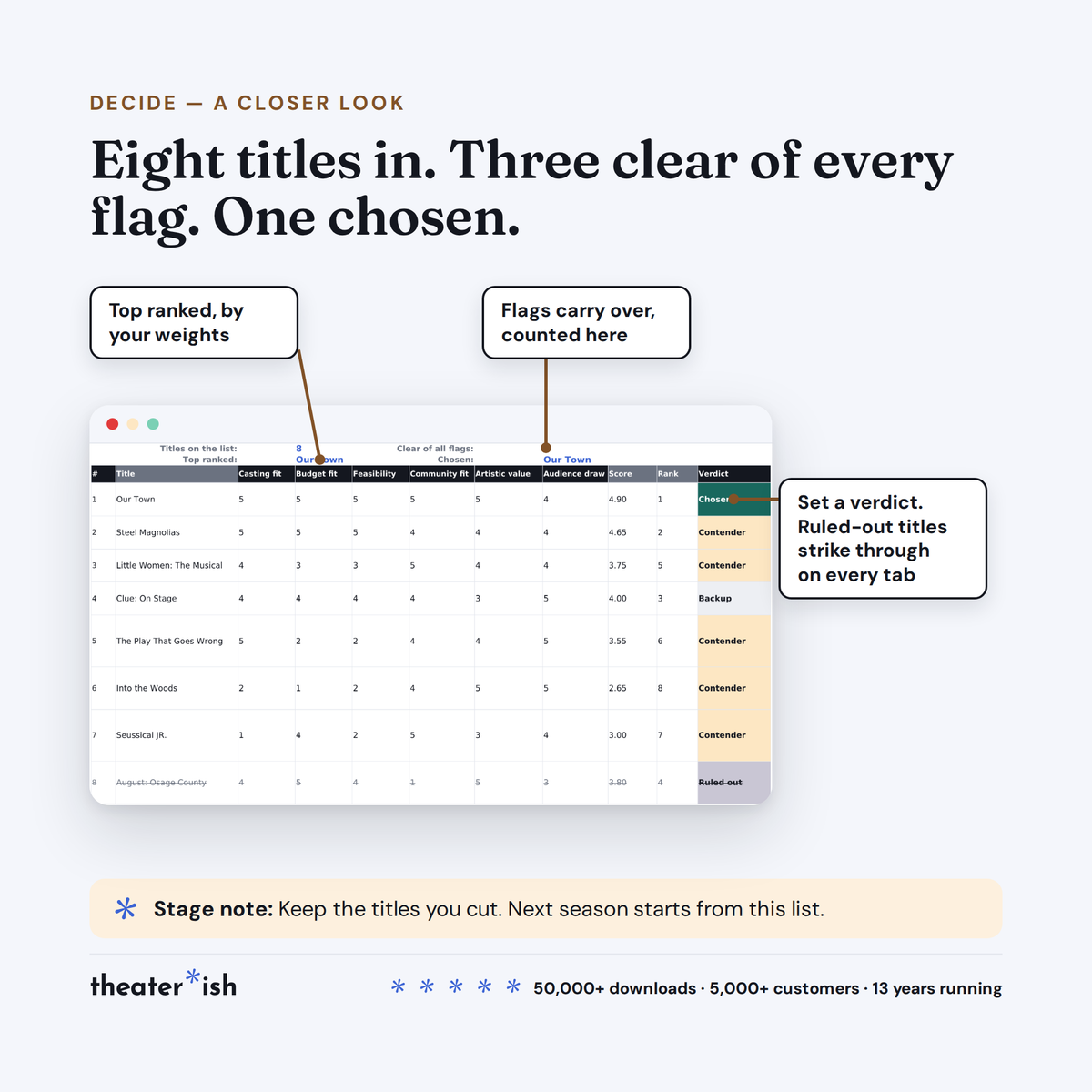
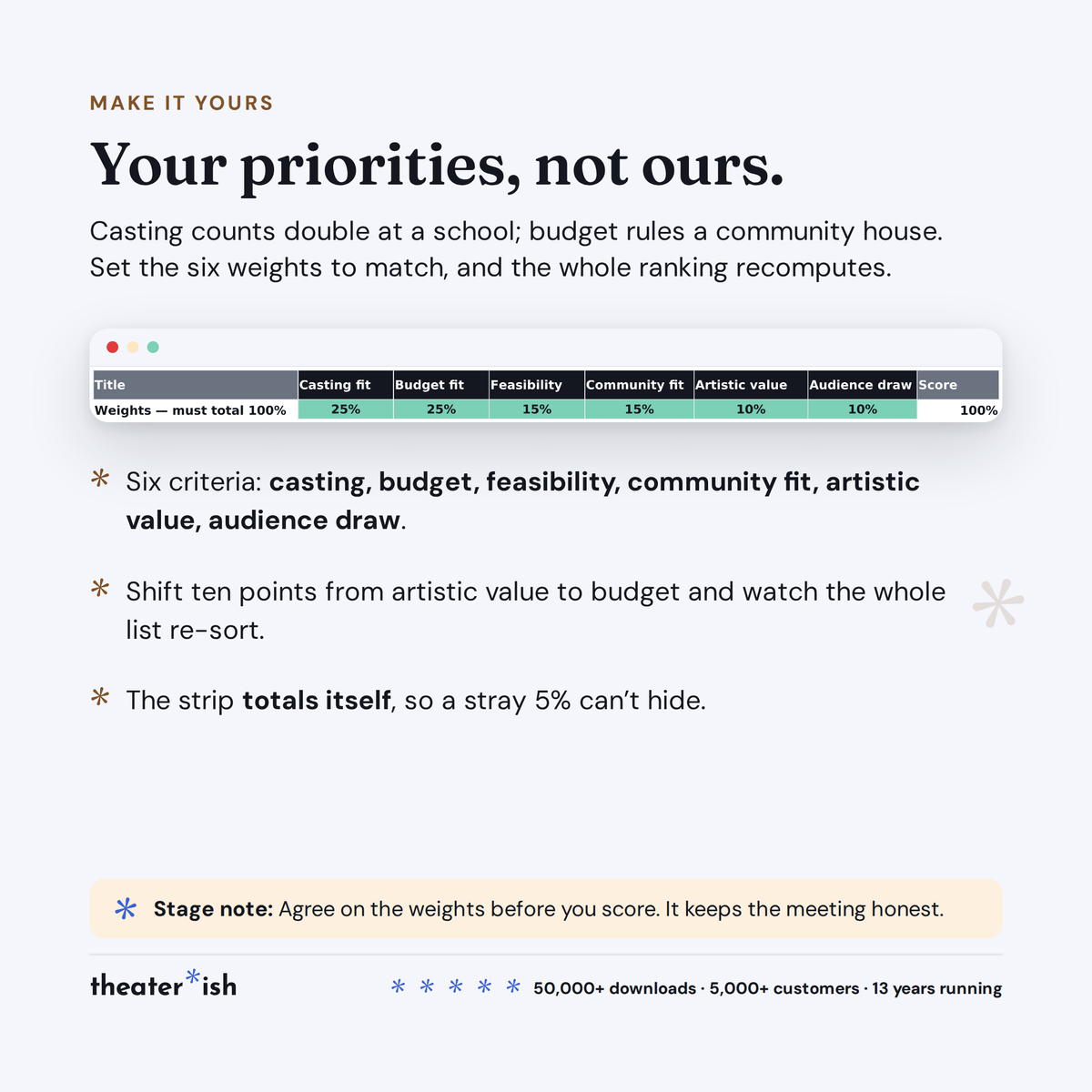
- Step 3: Decide — weighted scoring and your ranked list
- Ruled-out titles kept, struck through, with your reason
- A filled-in example season
About this product
You have tons of show titles you'd be proud to direct. But only one you can actually do.
Season selection feels like a taste question. It isn't. Taste narrows the list, yes, after that it's arithmetic. How many people audition for you, what you can costume, what you can spend, how many mics you own, how many weeks you have.
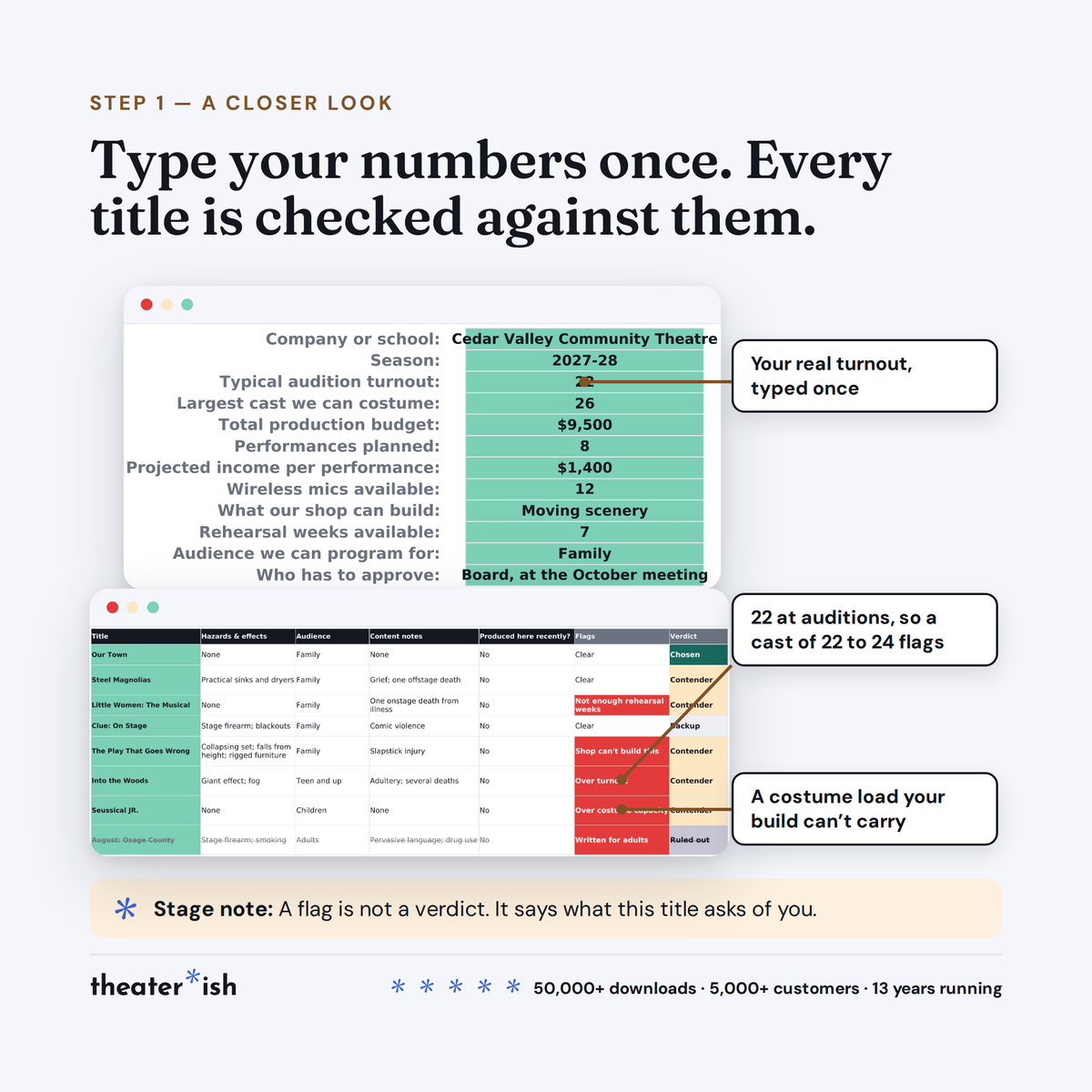
You enter in show parameters in one sheet. Every check in the workbook measures against them, and each stays quiet until you've filled the line it needs — so a half-finished sheet never shouts at you.
At a glance
- Format
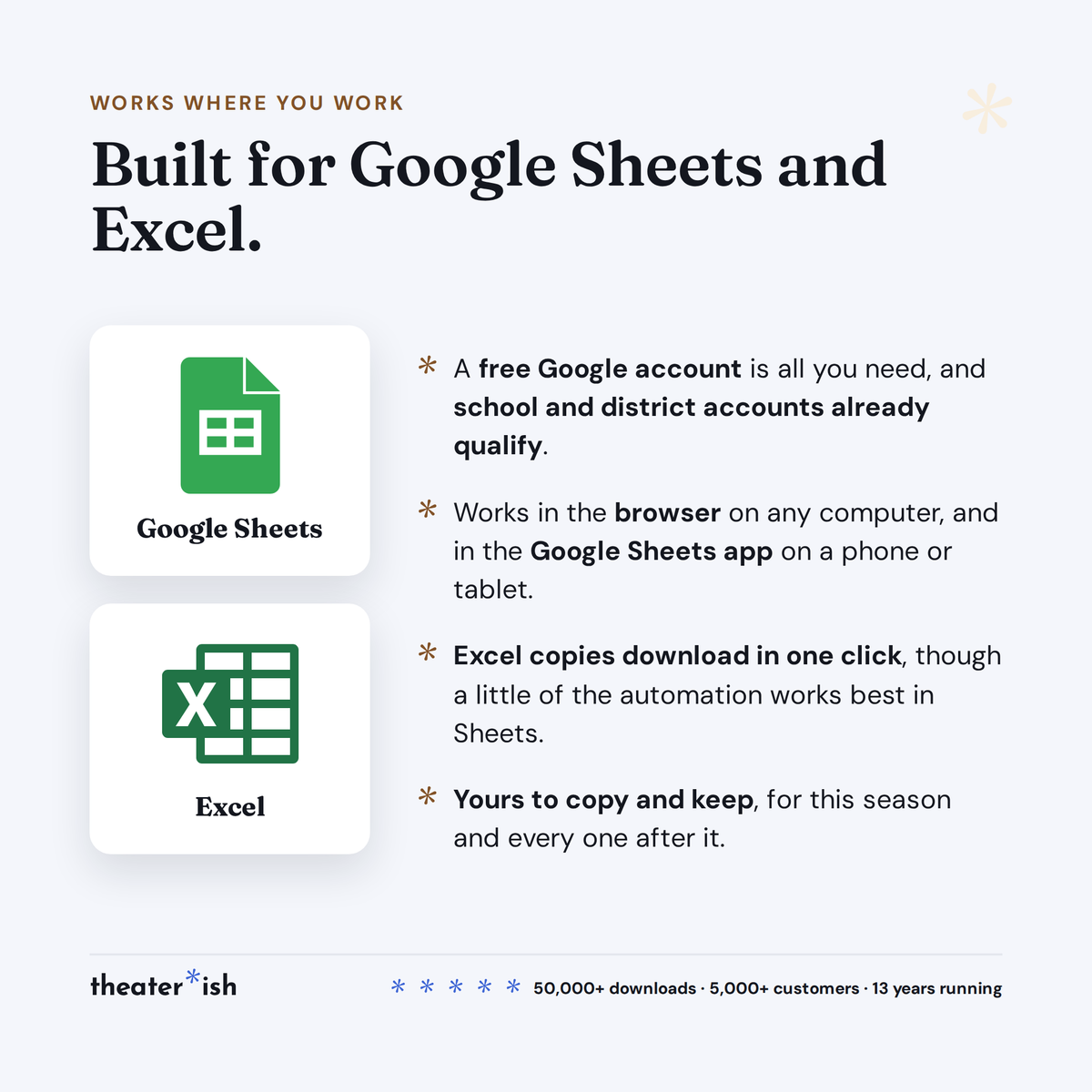
- Google Sheets
- Category
- Producing
- Templates
- 4 included
- Access
- Lifetime · fresh copies anytime
- Delivery
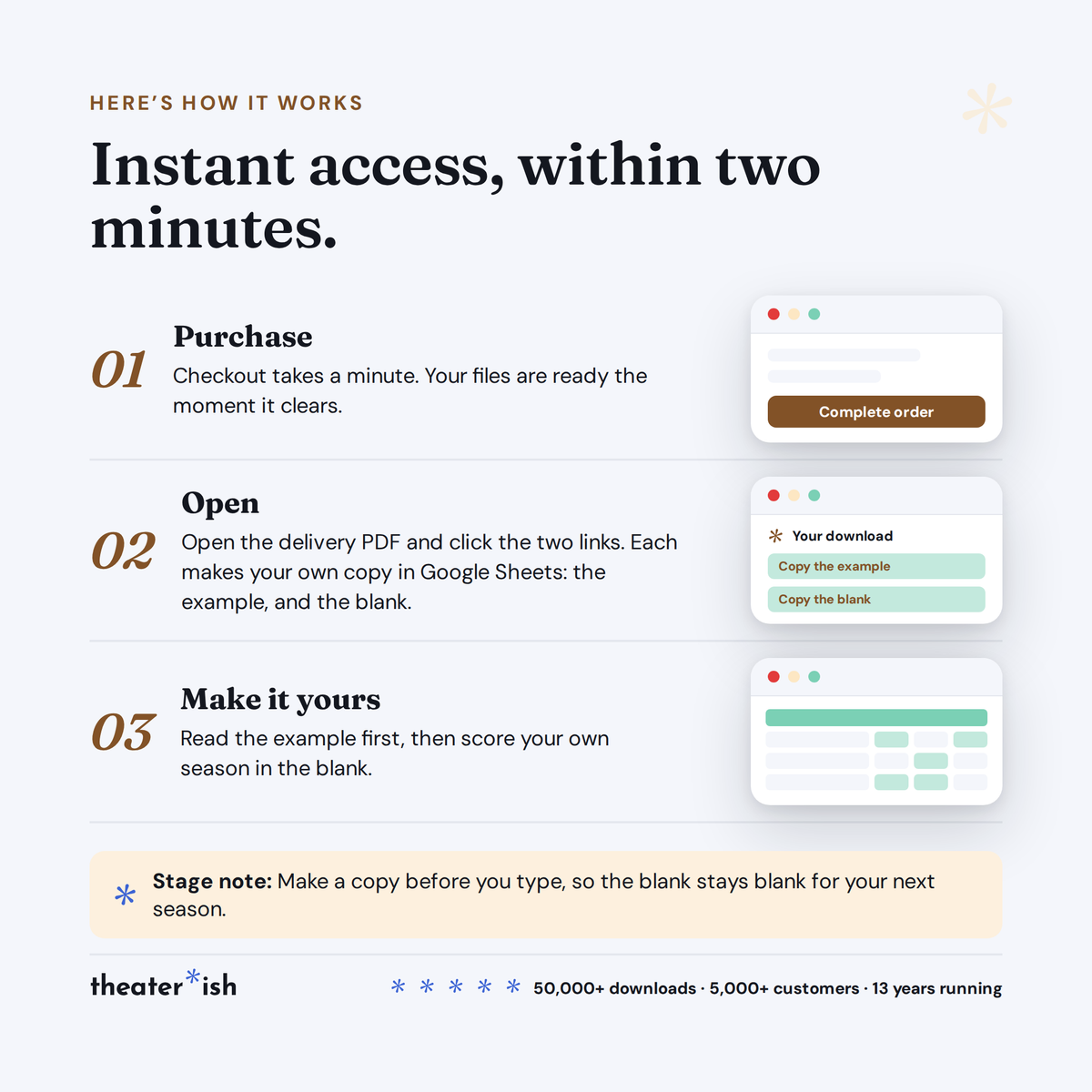
- Instant download
- Best for
- Choosing next season
What it flags
- A cast bigger than your usual turnout. Red here usually kills a title outright — you can't conjure eleven more people.
- A margin that goes negative against your projected income. Change the run length once and every title reprices.
- A rights application that's overdue: you applied, the promised date passed, the status is still Applied.
- Flags report the first problem, not all of them. Fix it and the next one appears.
The four tabs
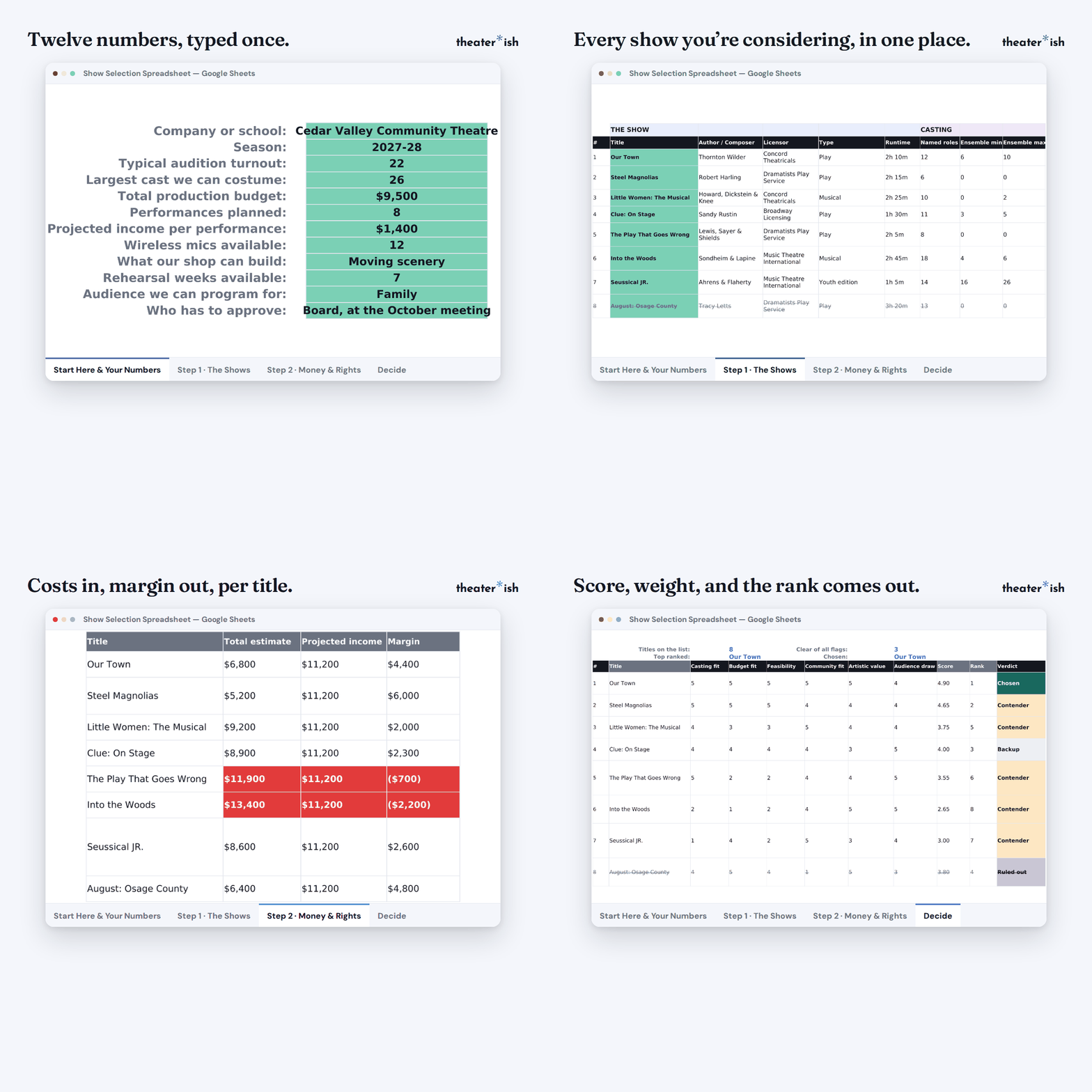
| Tab | What it does |
|---|---|
| Start Here | Your twelve numbers. Everything measures against them. |
| Step 1 · The Shows | Fifteen titles — casting, build, mics, weeks, content, verdict |
| Step 2 · Money & Rights | Six cost lines per title, projected margin, rights from inquiry to answer |
| Decide | Six criteria, your weights, the ranked list |
Type a title once on Step 1 and it carries to the other tabs on its own.
Then you decide
Score each title on casting fit, budget, feasibility, community fit, artistic value and audience draw, then set what each is worth to you — a company with a deep bench and no money shouldn't weight casting and budget the same way. Titles you rule out stay, struck through, with your one-sentence reason beside them. Next season somebody will suggest one of them again, and you'll have your answer ready.
Common questions
Questions, answered.
Do I need Microsoft Office or Adobe to use these templates?
No. Theaterish templates are built in free tools — Google Sheets, Google Docs, and Canva. You don't need a paid Microsoft Office or Adobe subscription. You'll need a free Google account, and a free Canva account for Canva templates.
Is this a one-time purchase or a subscription?
It's a one-time purchase. You pay once and the templates are yours to keep and reuse for every show, season after season.
Can I reuse the templates for more than one production?
Yes. Every template is built to be reused — duplicate your copy for each new show and start fresh, as many times as you like.
How are the templates delivered?
Everything is digital. After checkout you'll receive access instantly — you copy each template into your own Google Drive or Canva account and make it your own. Nothing ships physically.
Can I customize the templates?
Yes. Every template is fully editable. Change colors, fonts, and content to match your production or program.
No courses, no homework
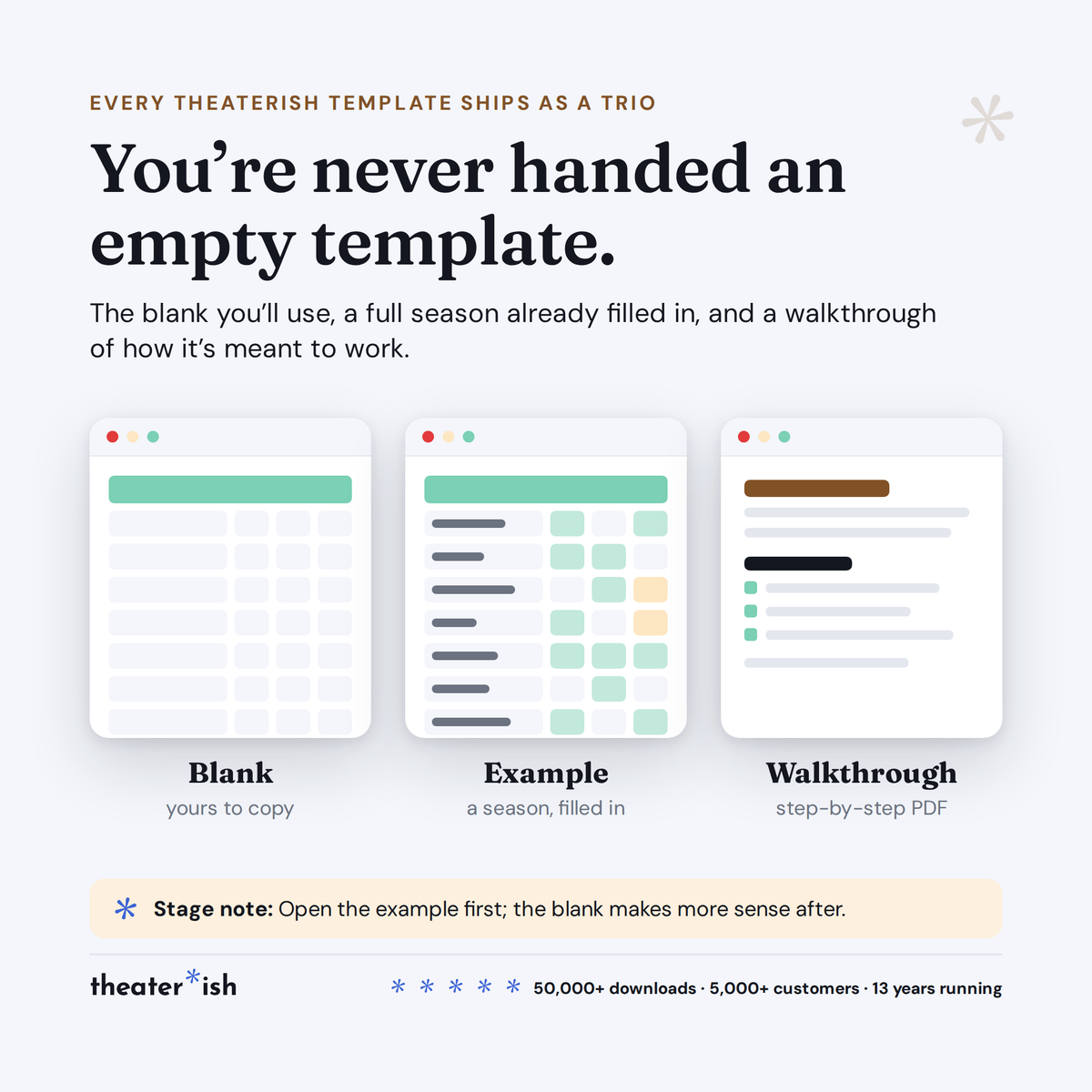
Every product is a trio.
The blank template
Clean and ready to fill in for your production this week.
A filled-in example
A real one, from an actual show — so you can see what done looks like.
A walkthrough
A short guided tour of the tool in use, start to finish.
What buyers say
Reviewed by people who've run the show.
“Set opening night once and every deadline fell into place. I stopped rebuilding this from scratch every season.”
“Handed it to a first-time SM and they ran with it — no training call needed.”
“The walkthrough answered the questions I didn't know I had. Worth it for that alone.”
Can't pick just one?
Bundle & Save
Mix and match any templates below, unlock an instant discount, and get everything you need in one go.