
Stage Management
Character/Scene Breakdown
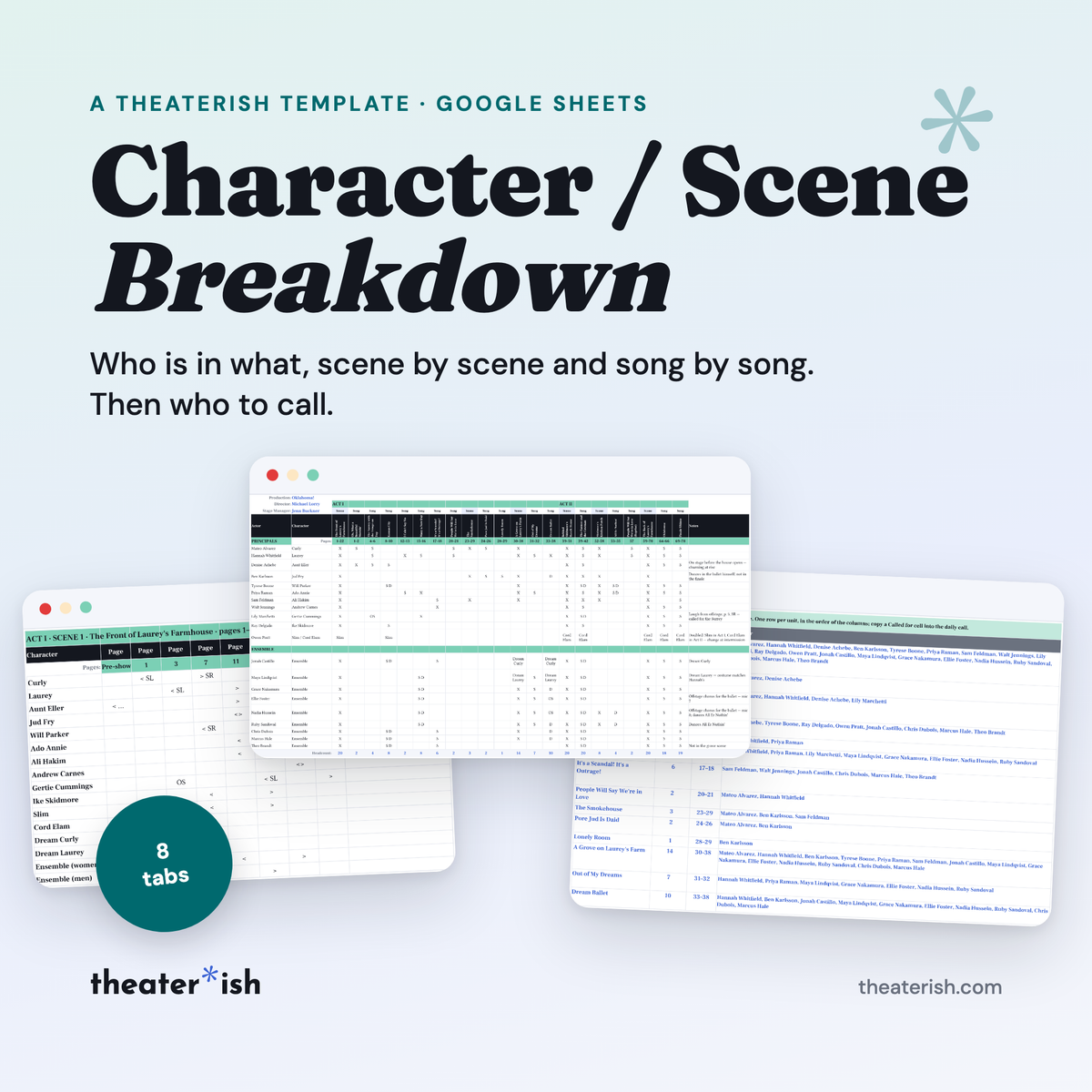
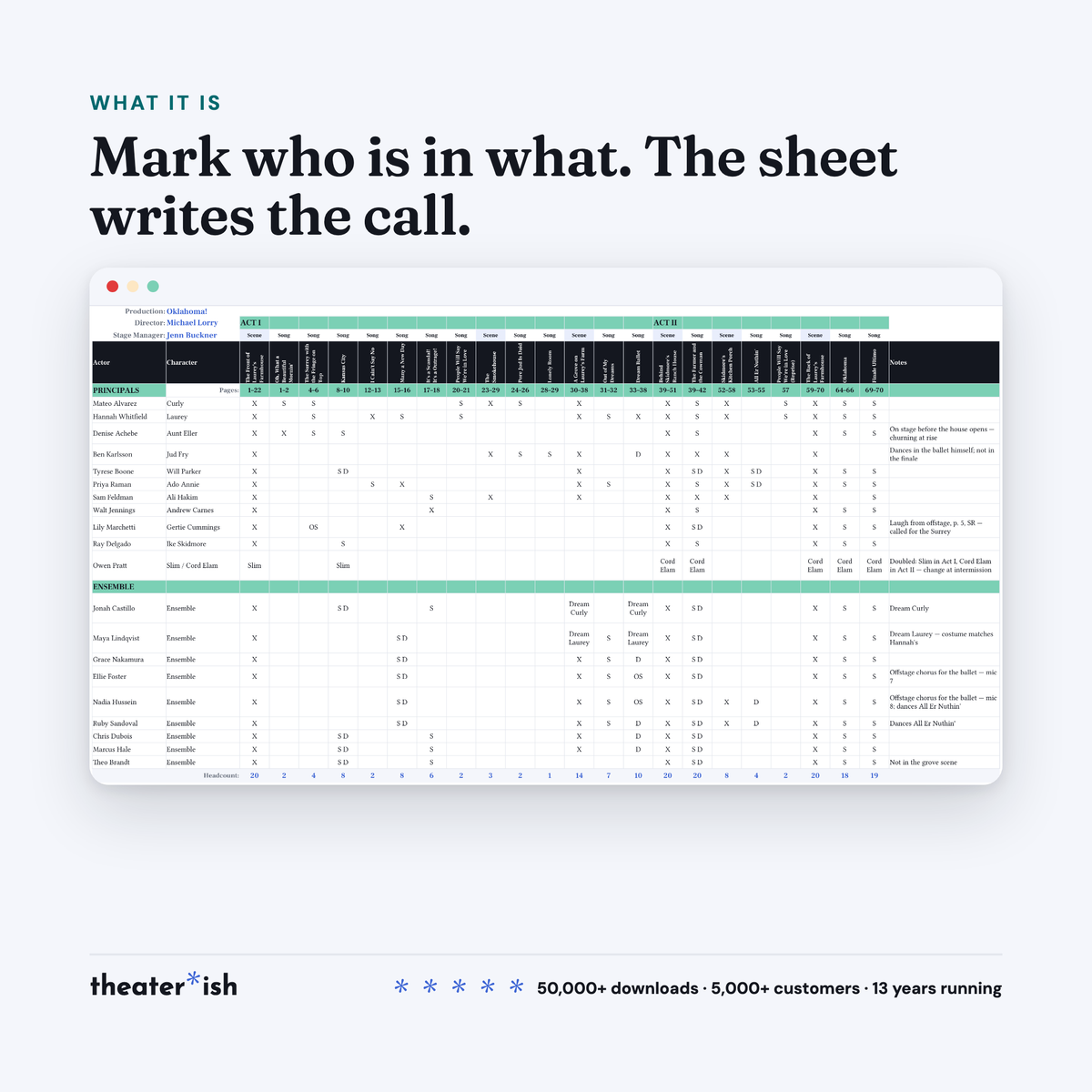
Every actor against every scene and song, one mark per cell, with a headcount under each and a call line that writes itself for the daily call.
What's inside
- By Scene grid — 30 actors, 16 units an act, songs as their own columns
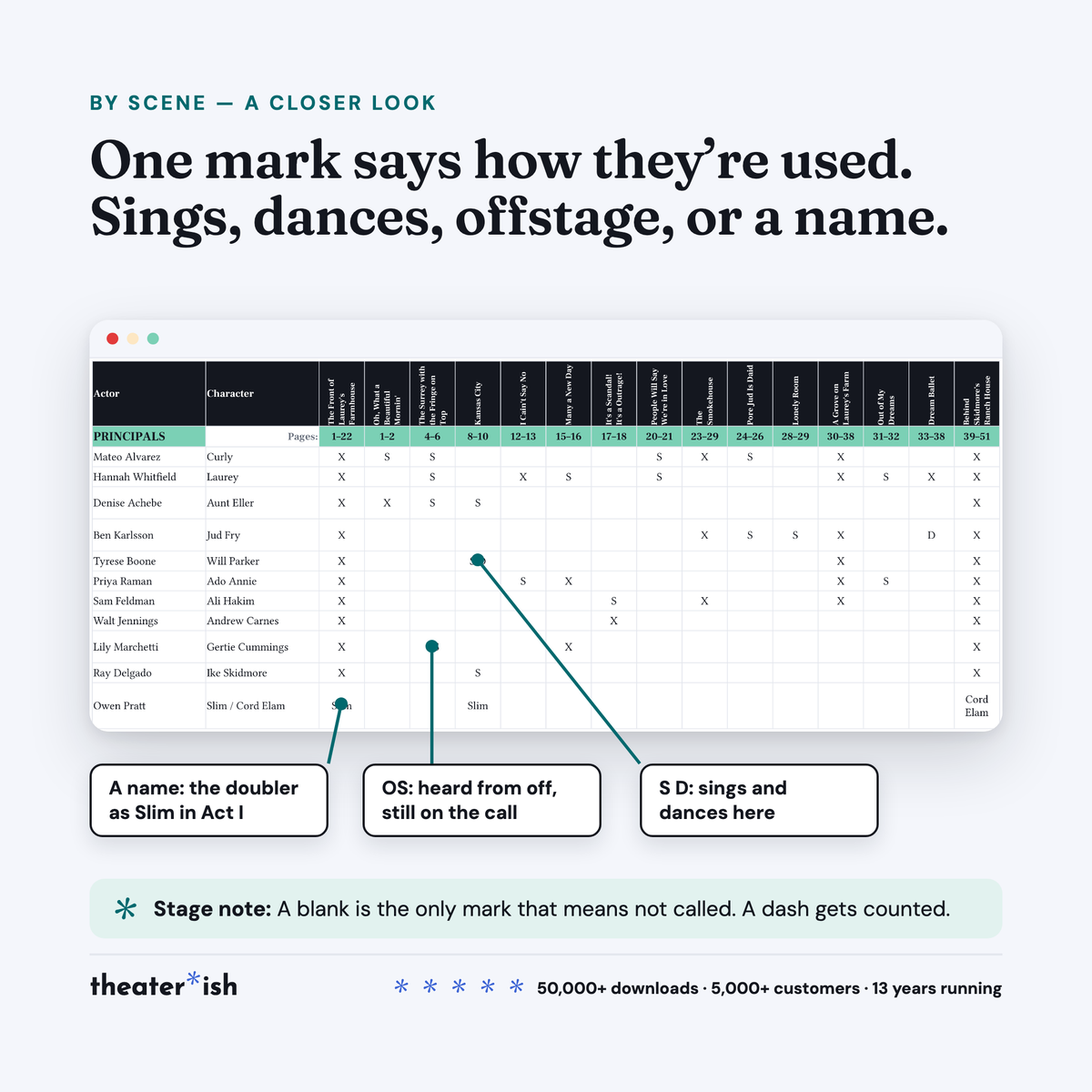
- Marks for on stage, sings, dances, offstage vocals, or a doubled role’s name
- A headcount under every scene and song
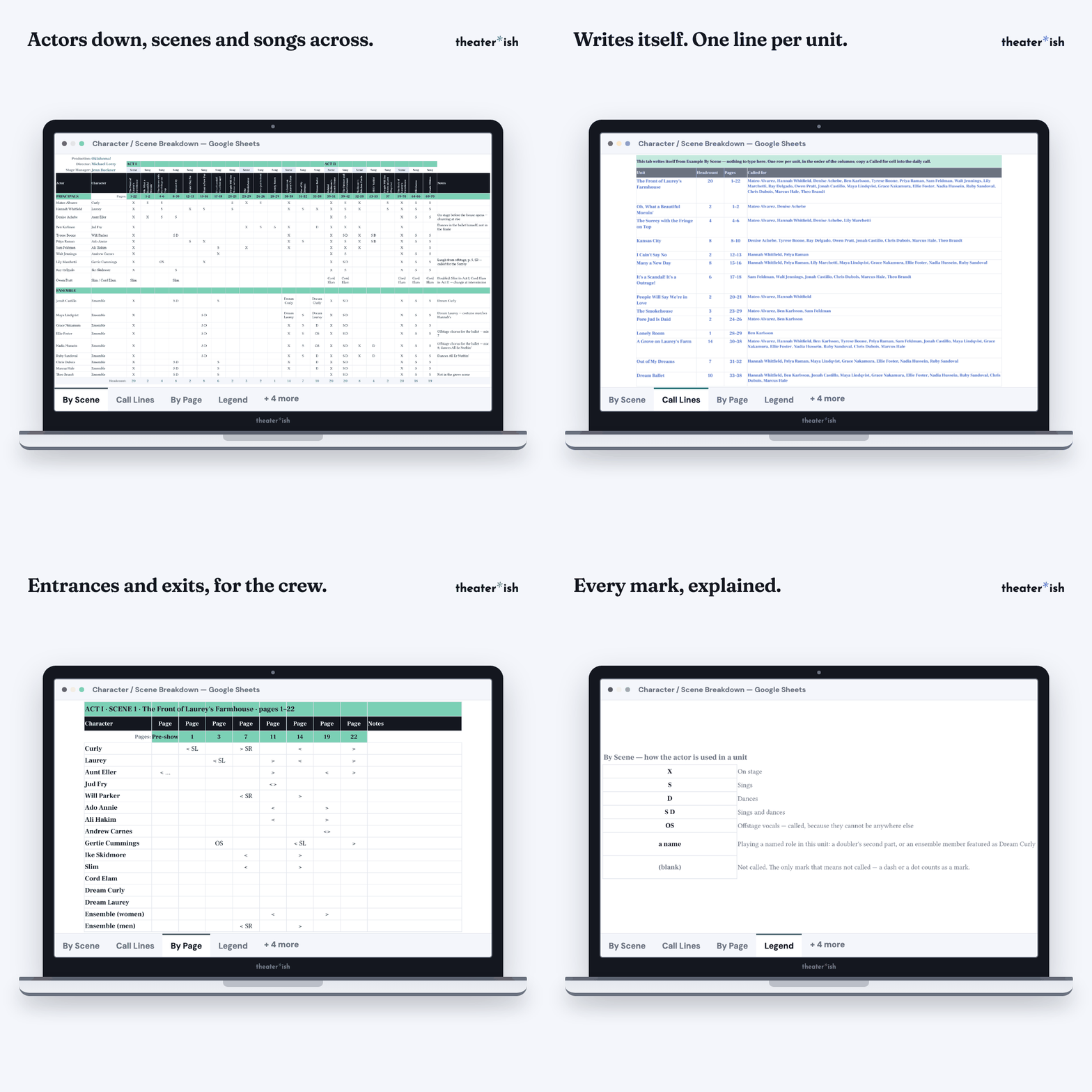
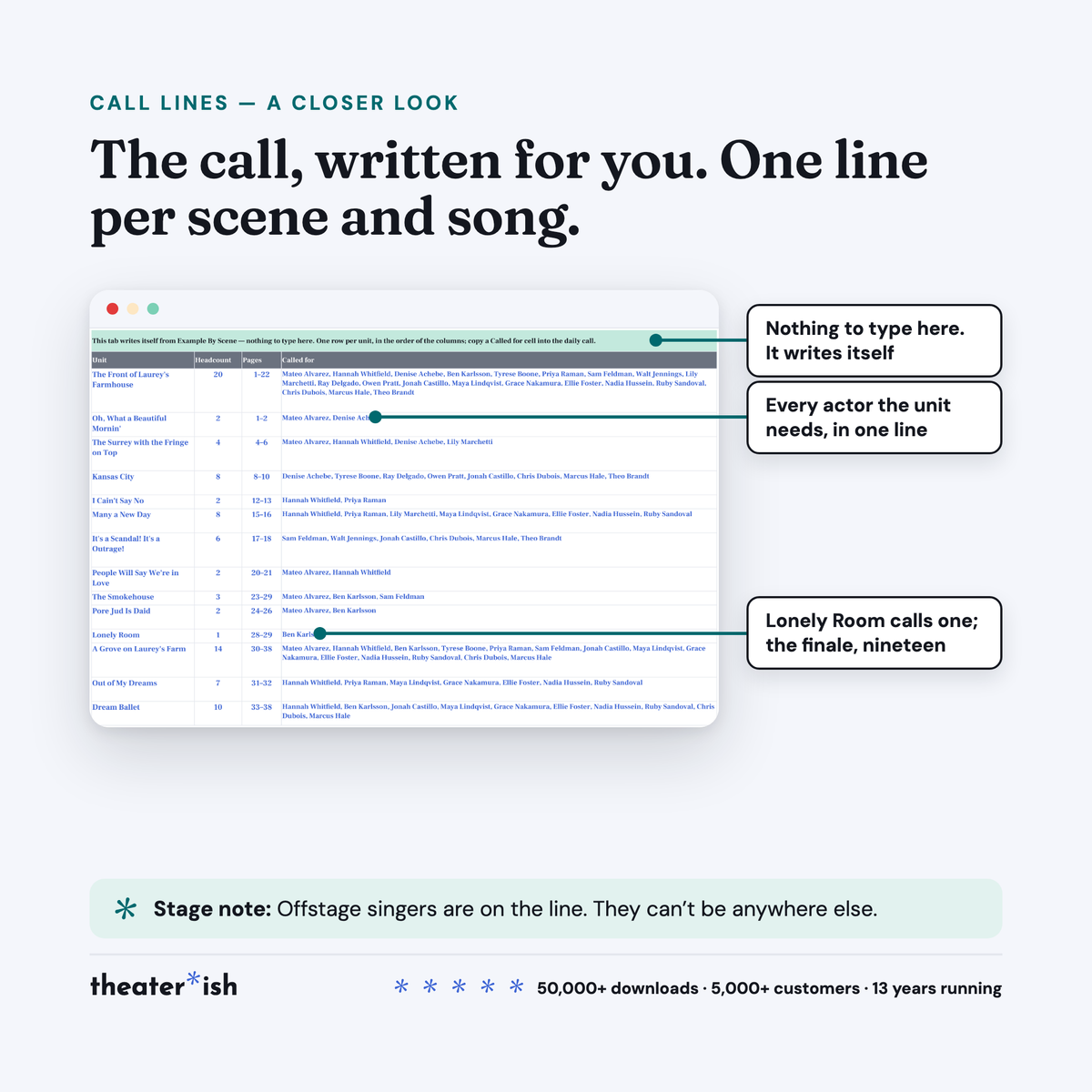
- Call Lines tab that writes itself, one line per unit
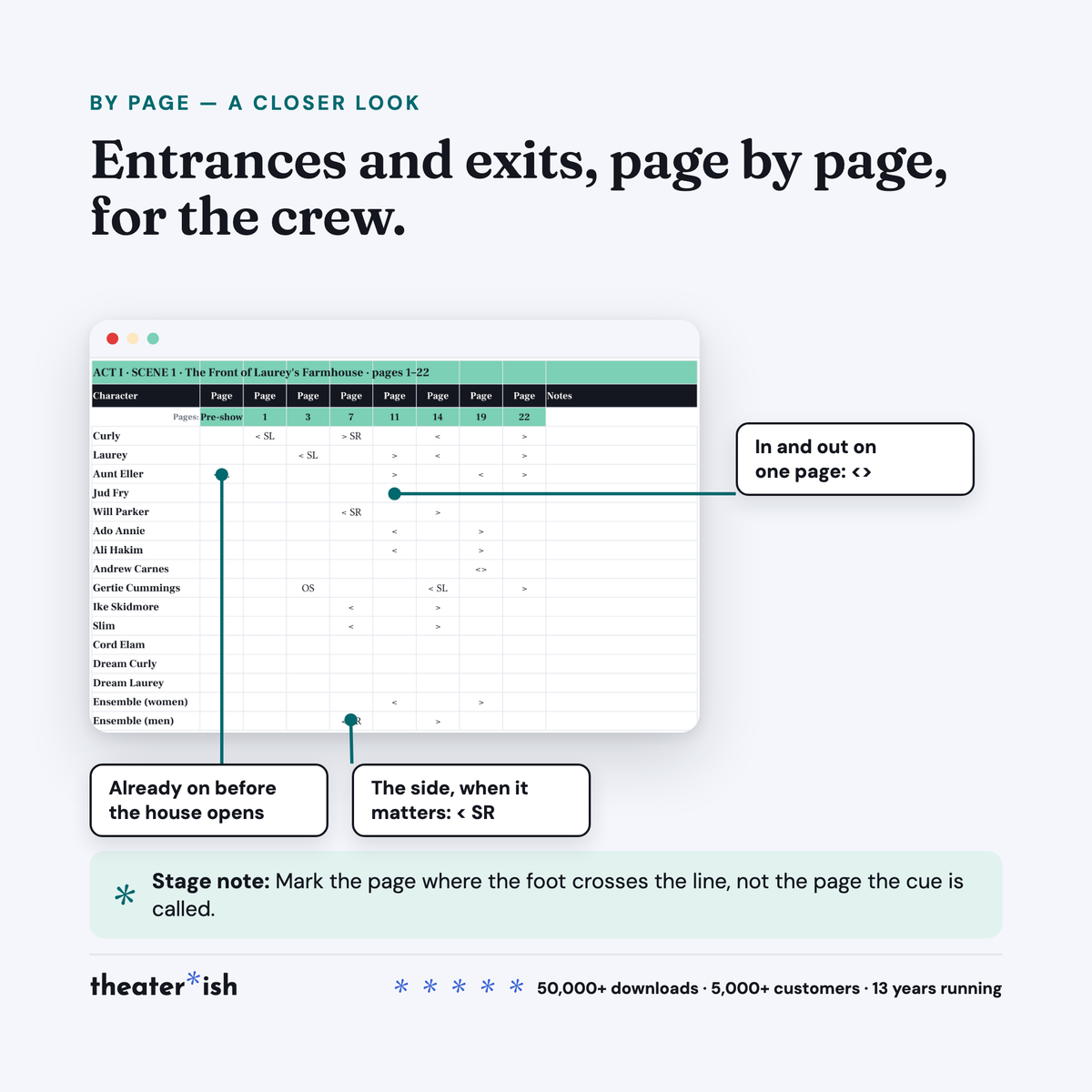
- By Page entrances and exits for the crew
- Legend tab with every mark and color
- Filled-in Oklahoma! example, twenty actors
- Seven-page walkthrough PDF
About this product
Who is in what, before the calendar exists.
The week before first rehearsal you have a cast list, a script, and a stack of conflicts. The rehearsal calendar can’t be built until you know who is in Act I Scene 2 and who only sings in the finale. Costumes want the same answer for change time. Sound wants it for mic swaps.
This is that grid. Actors down the side, scenes and songs across the top, one mark per cell. Under it, the sheet writes the call.
At a glance
- Format
- Google Sheets
- Category
- Stage Management
- Access
- Lifetime · fresh copies anytime
- Delivery
- Instant download
- Best for
- Building the rehearsal calendar
What’s built in
- A mark says how the actor is used. X on stage, S sings, D dances, OS offstage vocals. Or a character name, when a doubler plays their second role or an ensemble member steps out as Dream Laurey. A blank means not called, and that is the only mark that does.
- A headcount under every column. The first thing to check against the script: a scene that should have twelve and reads eleven has a missing mark.
- Call lines that write themselves. A separate tab, one row per unit: the unit, its headcount, its pages, and every actor it needs in one line, in cast-list order. Copy the line into the daily call. Offstage singers are on it, because an offstage singer cannot be anywhere else.
- The crew’s view. By Page: one block per scene, a column for each page where somebody enters or leaves, and marks for in, out, both on one page, offstage lines, and already on. Add SL or SR when the side matters. A pre-show column and an intermission block for whoever is preset.
- Typed once. The production fields, the character list, the unit titles: each is typed in one place and read everywhere else. The old version of this template had eight scenes on one tab and five on the other because they were typed twice.
- A Legend tab. Every mark and every color, in one place, for the person who picks the file up cold.
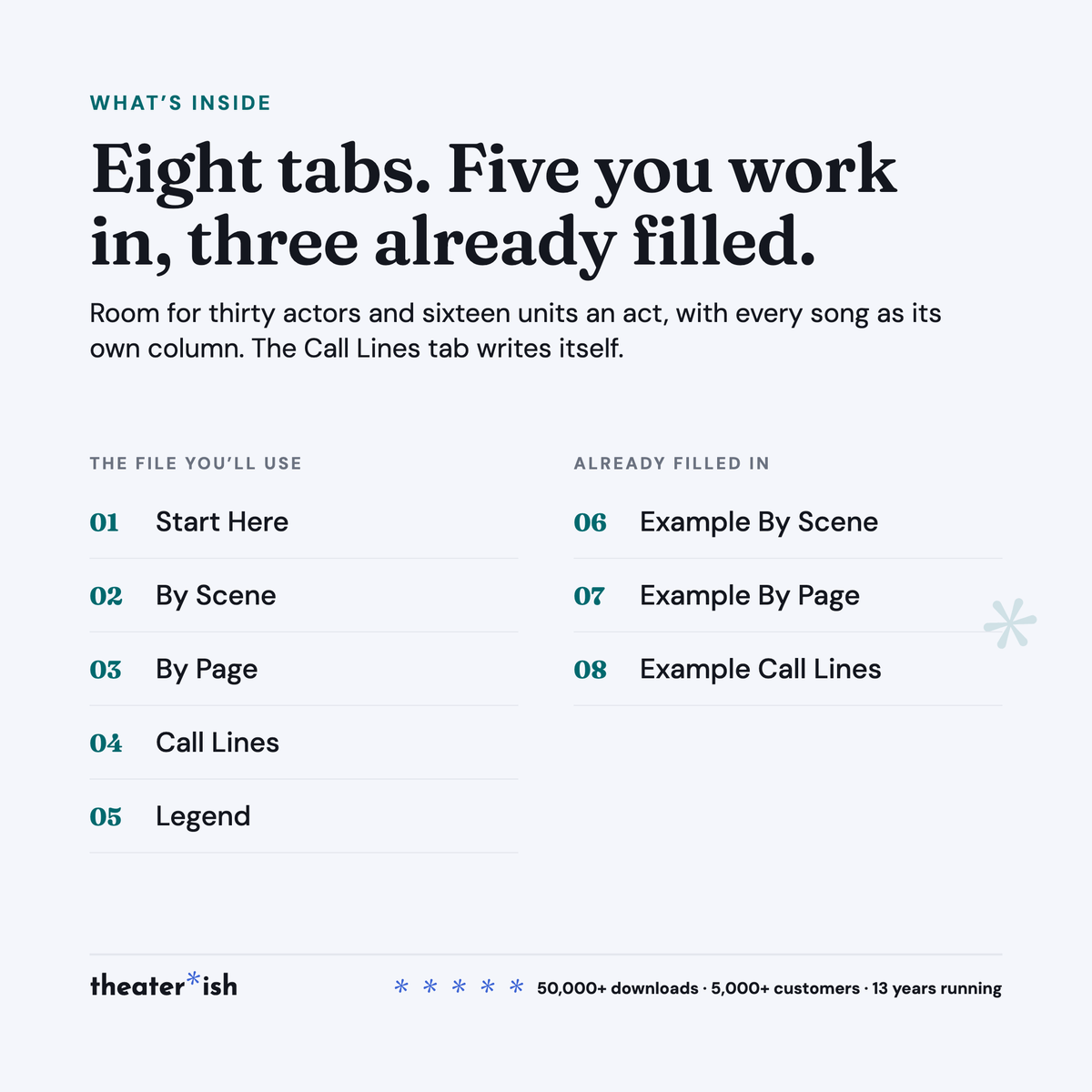
The eight tabs
| Start Here | The short instructions, with where the rows come from and where they go next. |
| By Scene | The grid you fill. Sixteen units an act already wired; the spares stay quiet until you use them. |
| By Page | Entrances and exits, one block per scene. |
| Call Lines | Writes itself from By Scene. Nothing to type. |
| Legend | The marks and the colors. |
| Example By Scene · Example By Page · Example Call Lines | The same three, filled in for Oklahoma! |
The worked example
Oklahoma! at Robinson Hall Theatre, the same production as the Performance Report’s example, with an invented cast of twenty. Two acts, six scenes, sixteen songs, every mark used at least once. One doubled role: Slim in Act I, Cord Elam in Act II, so his row reads the name rather than an X and you can see where the change is. Two ensemble members featured as Dream Curly and Dream Laurey. A laugh from offstage for Gertie. Two women who sing the Dream Ballet from the wings, on the call line because they have to be somewhere.
Read the Call Lines tab and the shape of the show is right there: Lonely Room calls one person. The finale calls nineteen.
Format
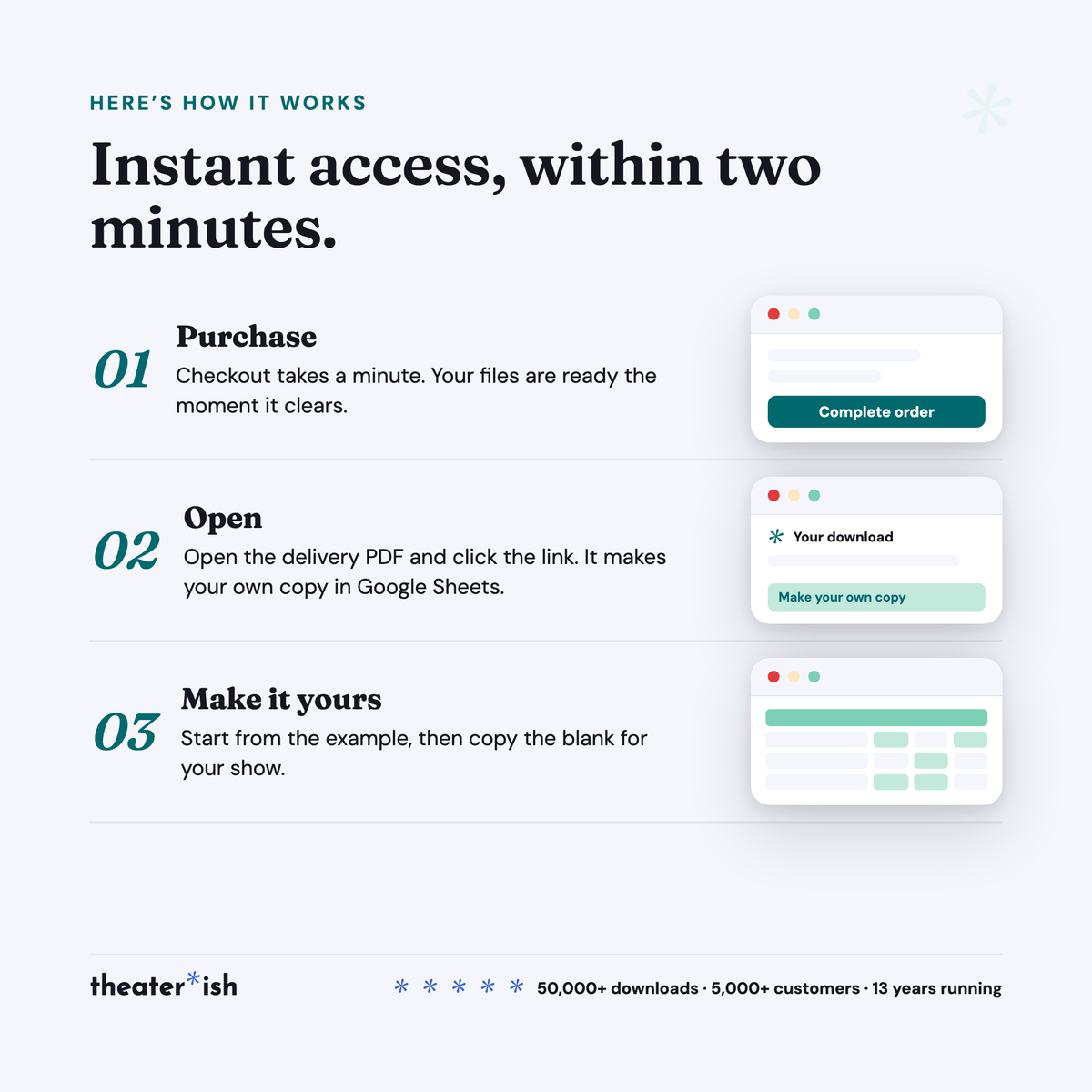
Google Sheets. The walkthrough PDF carries the copy link; the copy lands in your Drive and is yours to rename, share and reuse next show. A free Google account is all you need.
It opens in Excel via File ▸ Download. The grid comes across cleanly; the Call Lines tab is built on Sheets formulas and is the part most likely to lose functionality. If you have the choice, use Sheets.
Delivered instantly: one Sheet, eight tabs, and a seven-page walkthrough.
Who it’s for
Stage managers in school and community theatre, the week before first rehearsal. Directors who build their own calendar. Costume, props and sound heads who read the same grid for changes, handoffs and mic swaps. Anyone who has been asked “who’s called Tuesday?” and had to open the script to answer.
Common questions
Questions, answered.
Do I need Microsoft Office or Adobe to use these templates?
No. Theaterish templates are built in free tools — Google Sheets, Google Docs, and Canva. You don't need a paid Microsoft Office or Adobe subscription. You'll need a free Google account, and a free Canva account for Canva templates.
Is this a one-time purchase or a subscription?
It's a one-time purchase. You pay once and the templates are yours to keep and reuse for every show, season after season.
Can I reuse the templates for more than one production?
Yes. Every template is built to be reused — duplicate your copy for each new show and start fresh, as many times as you like.
How are the templates delivered?
Everything is digital. After checkout you'll receive access instantly — you copy each template into your own Google Drive or Canva account and make it your own. Nothing ships physically.
Can I customize the templates?
Yes. Every template is fully editable. Change colors, fonts, and content to match your production or program.
No courses, no homework
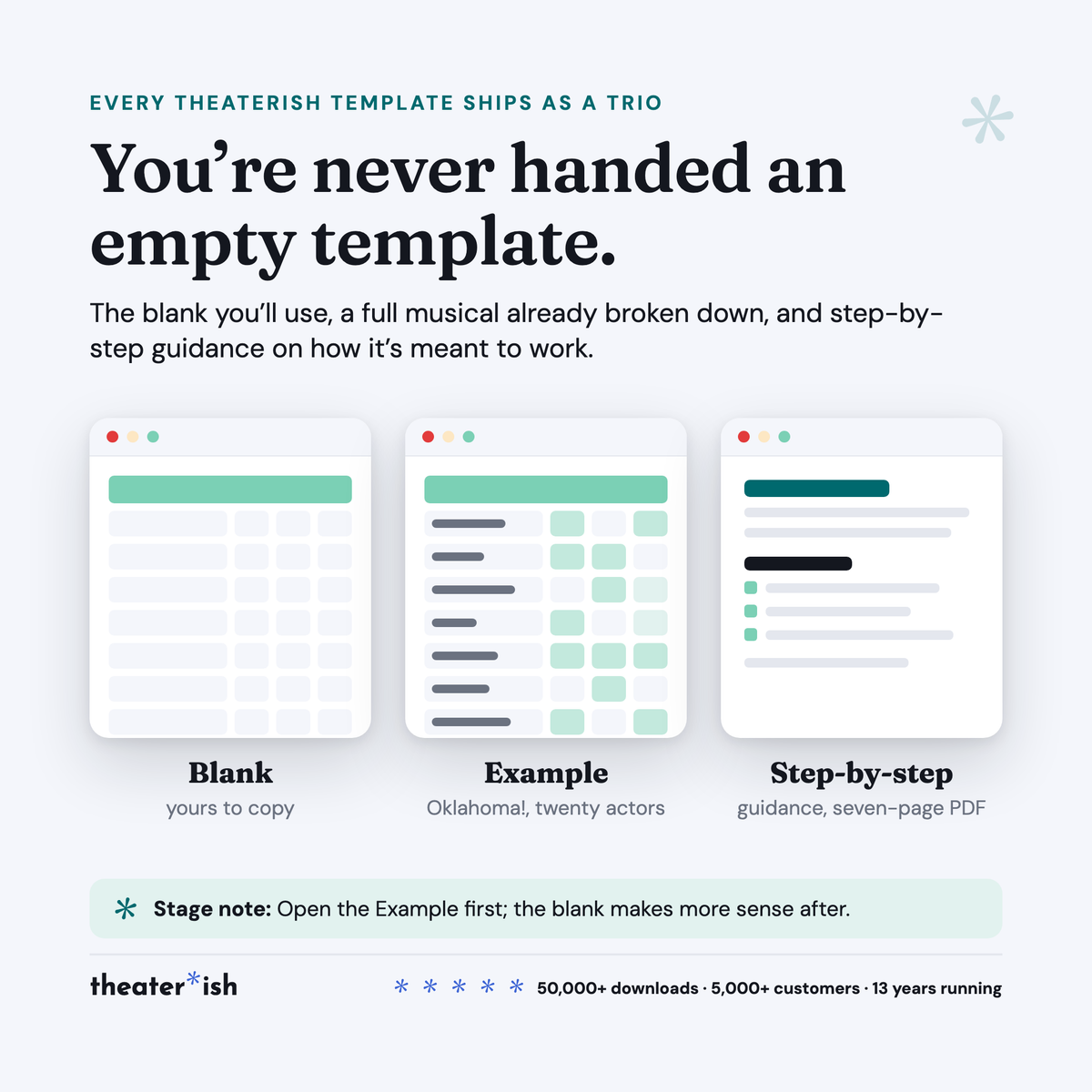
Every product is a trio.
The blank template
Clean and ready to fill in for your production this week.
A filled-in example
A real one, from an actual show — so you can see what done looks like.
A walkthrough
A short guided tour of the tool in use, start to finish.
What buyers say
Reviewed by people who've run the show.
“Set opening night once and every deadline fell into place. I stopped rebuilding this from scratch every season.”
“Handed it to a first-time SM and they ran with it — no training call needed.”
“The walkthrough answered the questions I didn't know I had. Worth it for that alone.”
Can't pick just one?
Bundle & Save
Mix and match any templates below, unlock an instant discount, and get everything you need in one go.