Producing
Show Budget Blueprint
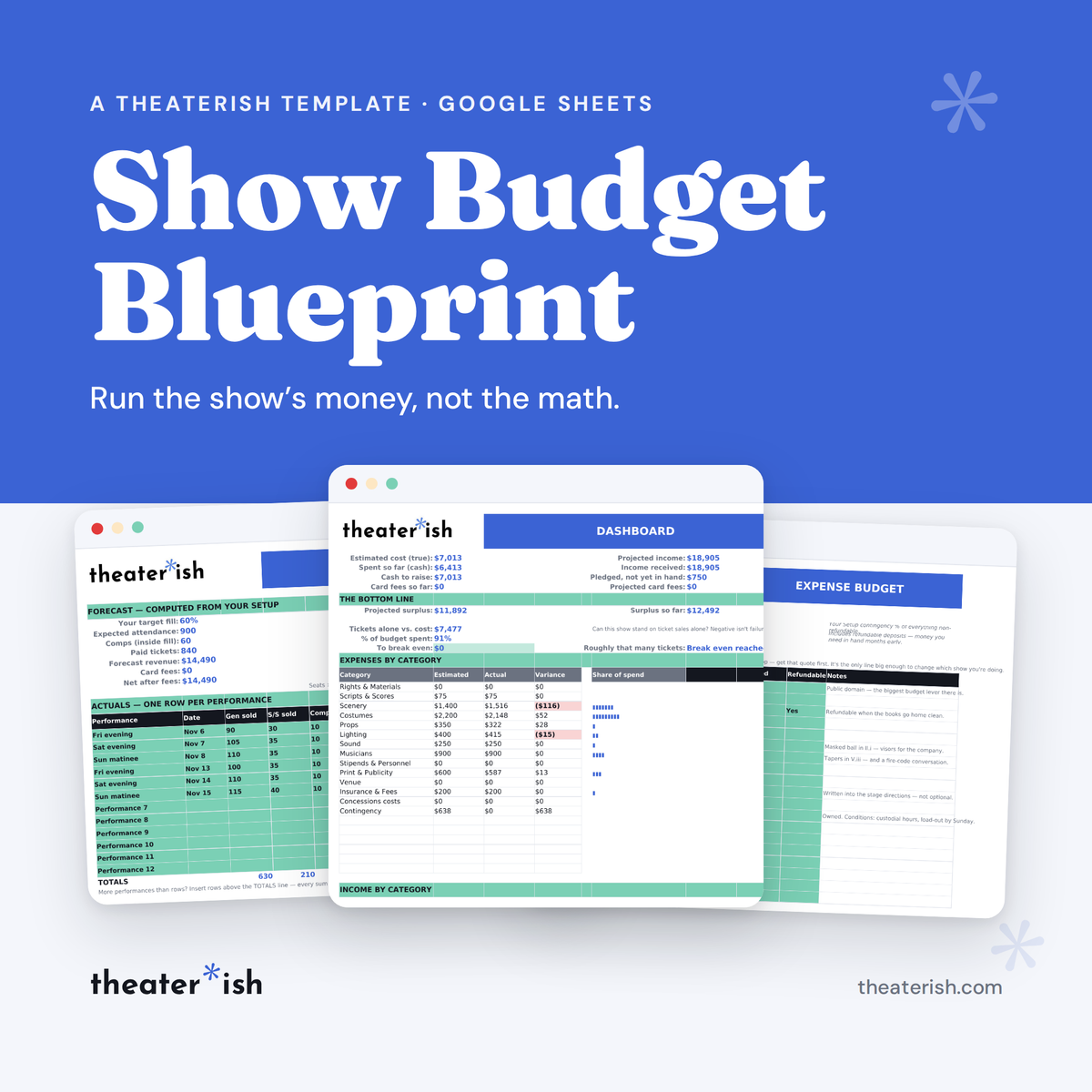
Twelve linked tabs that run one production's money — plan, track, and close the books without touching a formula.
What's inside
- Show Setup that feeds every tab
- Ticket forecasting from your own fill rate
- Expense Budget with contingency computed
- Sponsor, ad, patron & concession planners
- Expense and Income logs
- Self-assembling Dashboard
- Final Review for next season
About this product
Most show budgets get built on the house you can seat. This one starts from the house you've actually filled before, and does the arithmetic that follows from that one honest number.
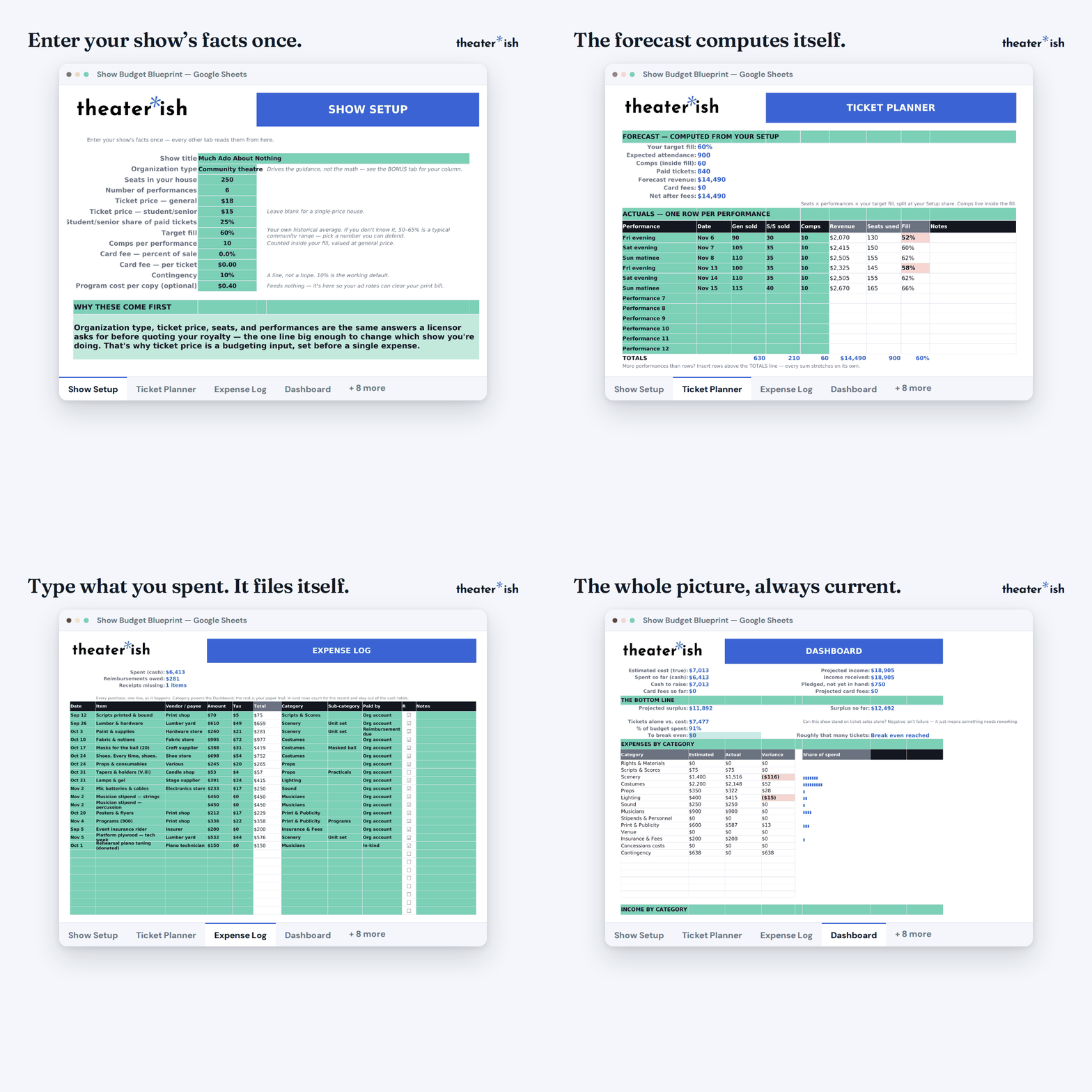
You enter your show's facts once. Twelve tabs read from there, and nothing in the workbook will ever ask you to fix a formula.
At a glance
- Format
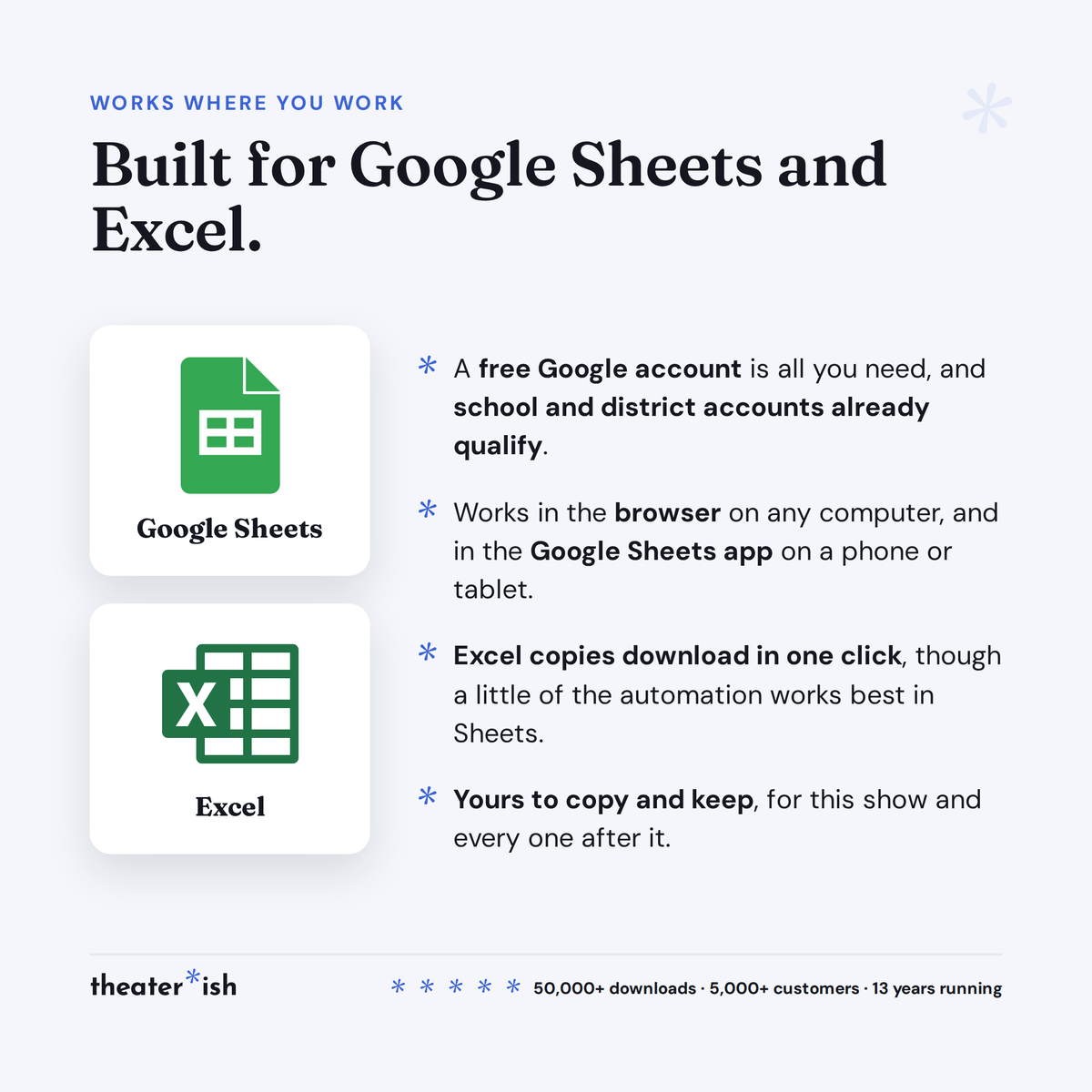
- Google Sheets
- Category
- Producing
- Access
- Lifetime · fresh copies anytime
- Delivery
- Theaterish platform
- Best for
- Producers & budget holders
What it does before the first dollar moves
- Puts the royalty question first. Five of the Setup answers are the same five a licensor wants before quoting your royalty — the one line big enough to change which show you're doing. That's why ticket price is a budgeting input here, set before a single expense.
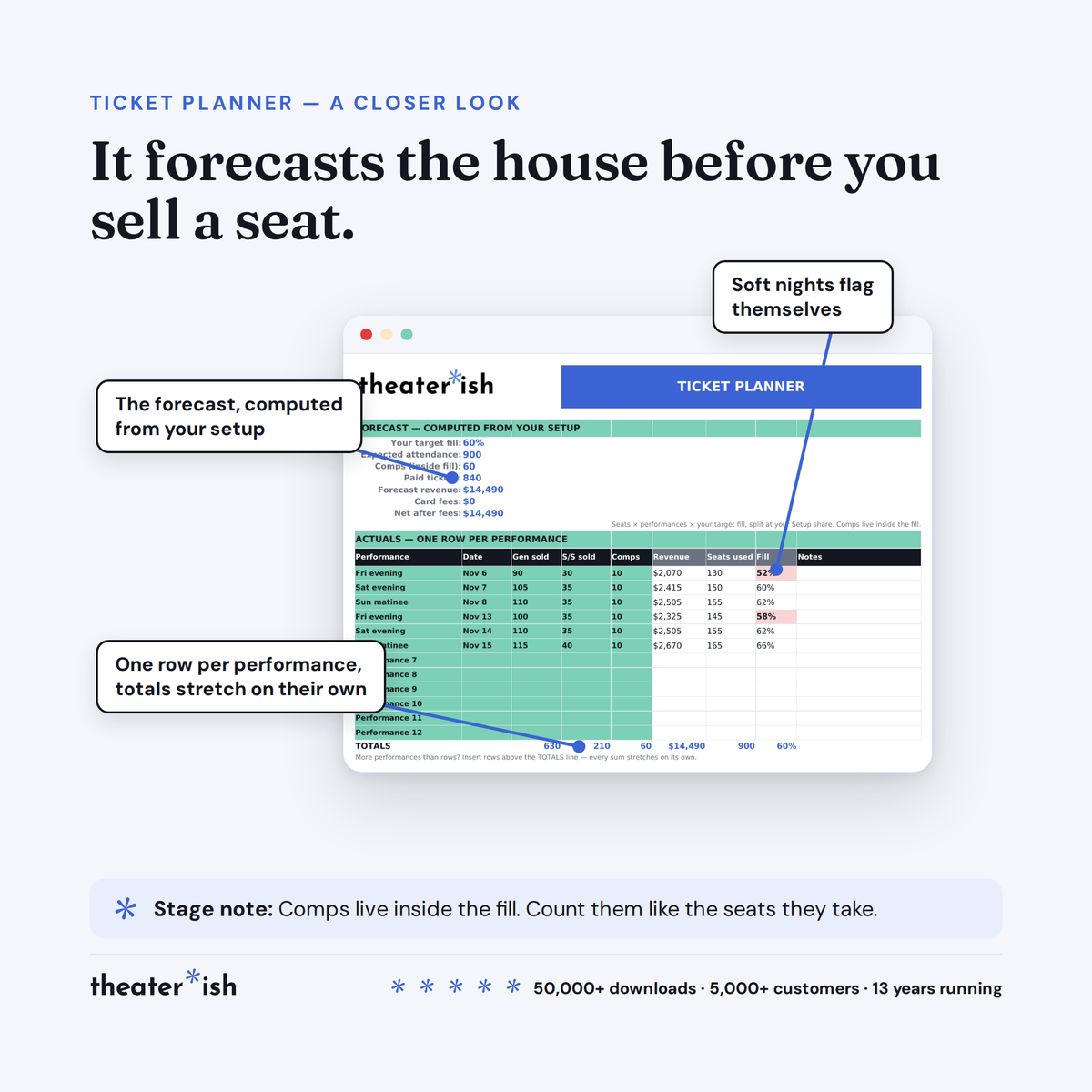
- Forecasts the house. Seats × performances × your target fill, split at your student/senior share. Comps are counted inside the fill and valued at general price, because a free seat is a marketing spend and this is where it shows.
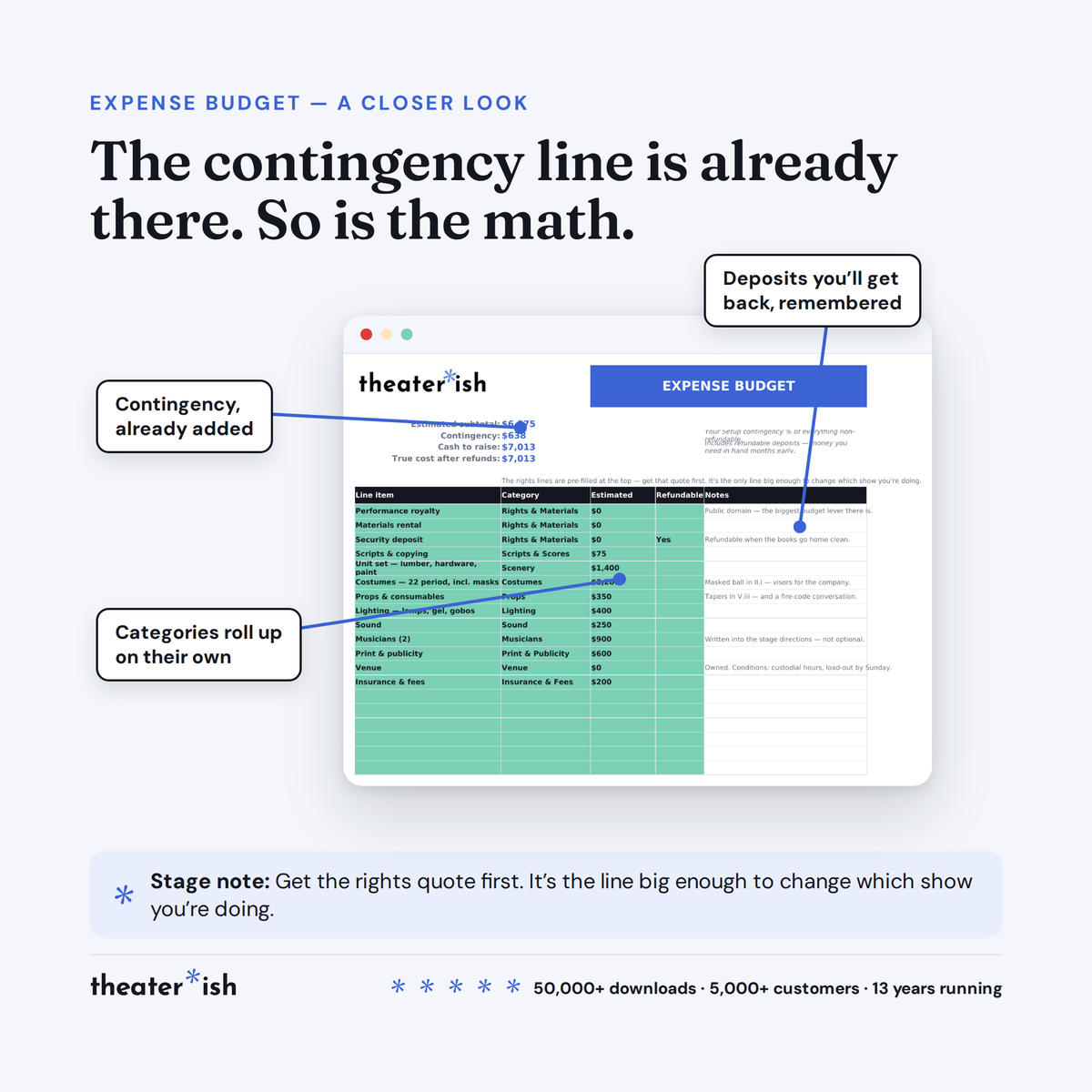
- Computes contingency. A percentage of everything non-refundable. A line, not a hope.
- Keeps cash to raise separate from true cost. A refundable deposit is money you need in hand months early and money you get back. The sheet holds both facts at once.
What it does once you're running
- Every purchase goes on the Expense Log, donations and grants on the Income Log. Sponsors, program ads, patron listings and concessions each get a planner with the plan and the actuals side by side.
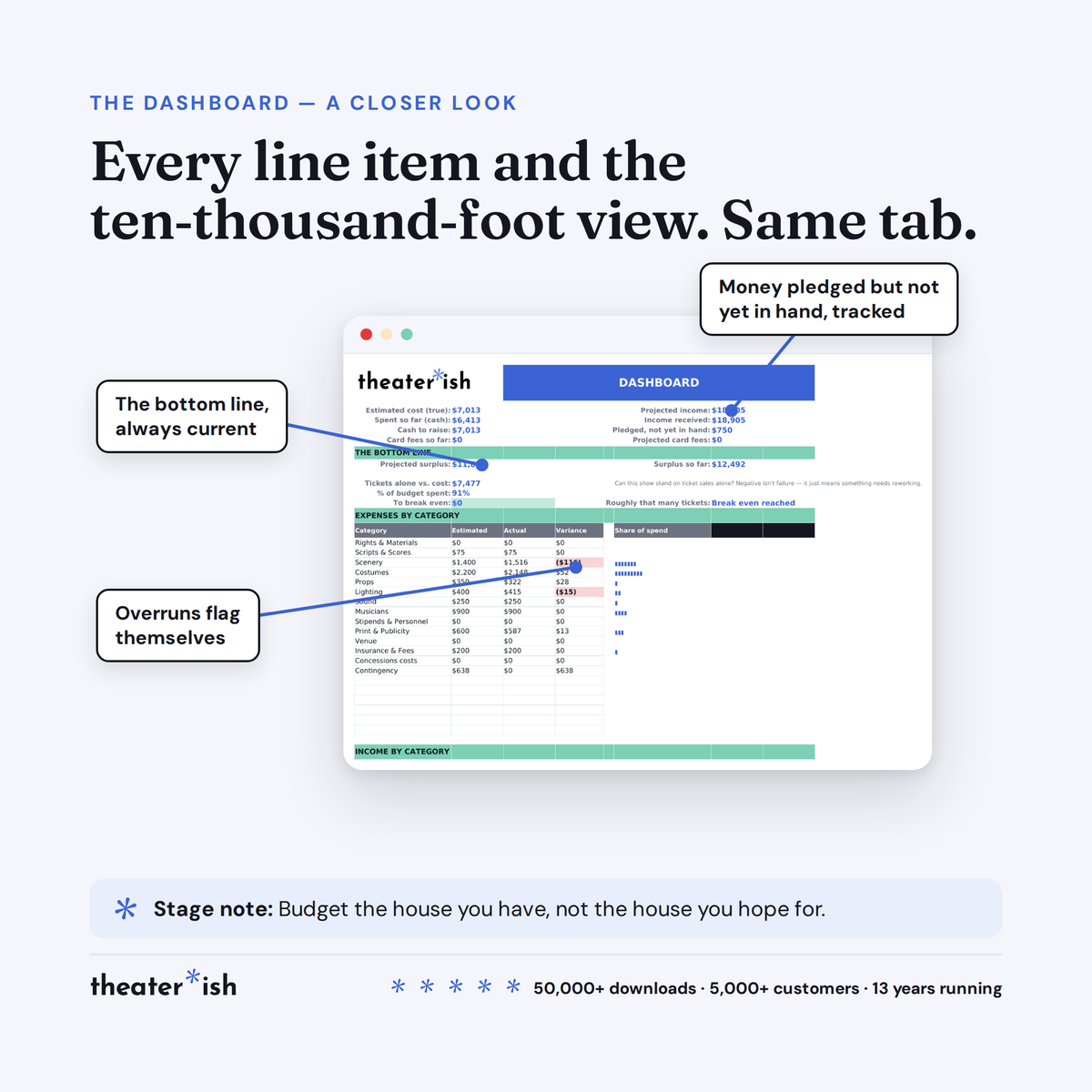
- Pledged money and received money stay apart everywhere. So do gross and net.
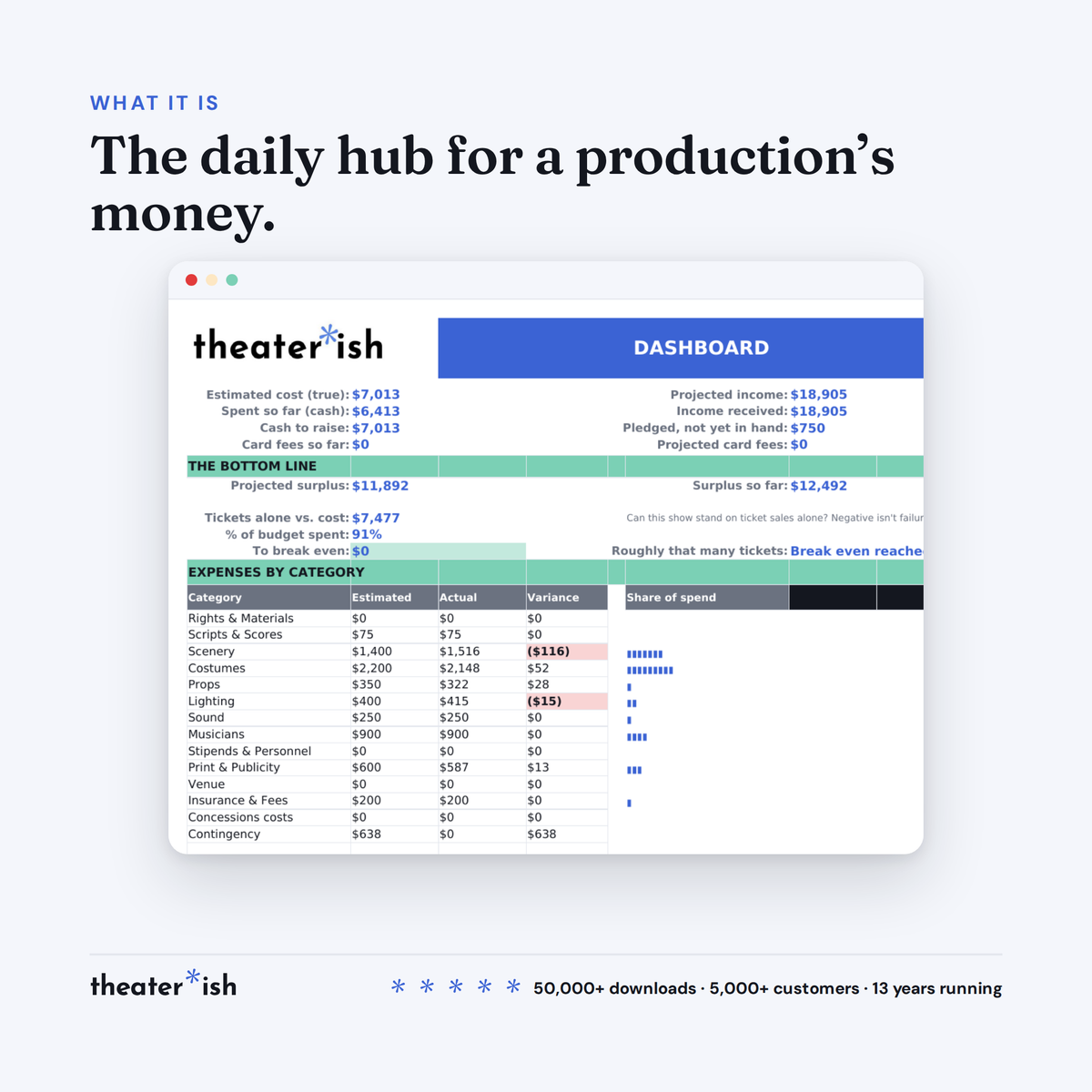
- The Dashboard assembles itself — estimated against actual by category, break-even, and whether the show could stand on ticket income alone. Nothing on that tab is typed. If a number looks wrong, the fix lives on the tab that feeds it.
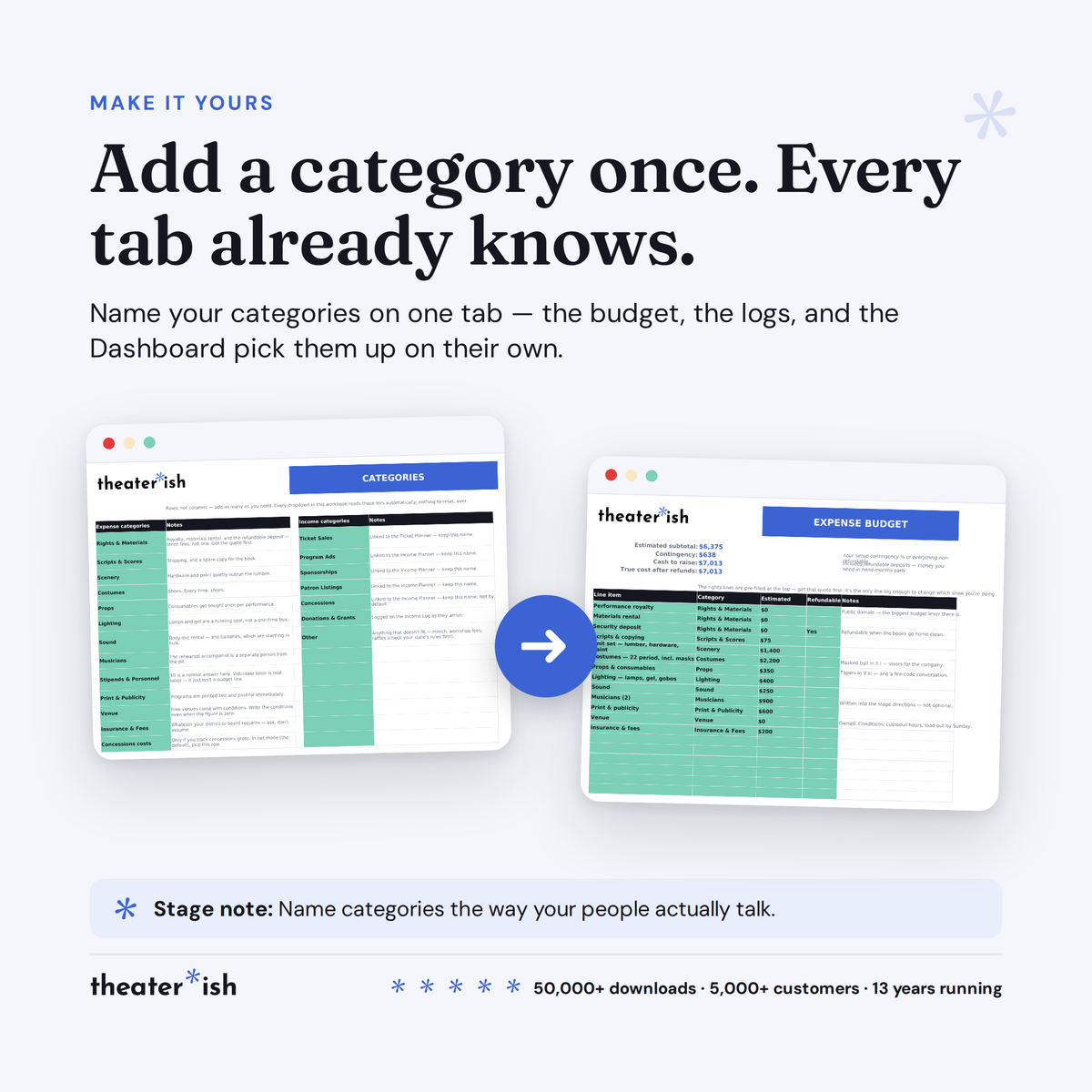
- Add a category once and it turns up in every dropdown in the workbook, with nothing to reset.
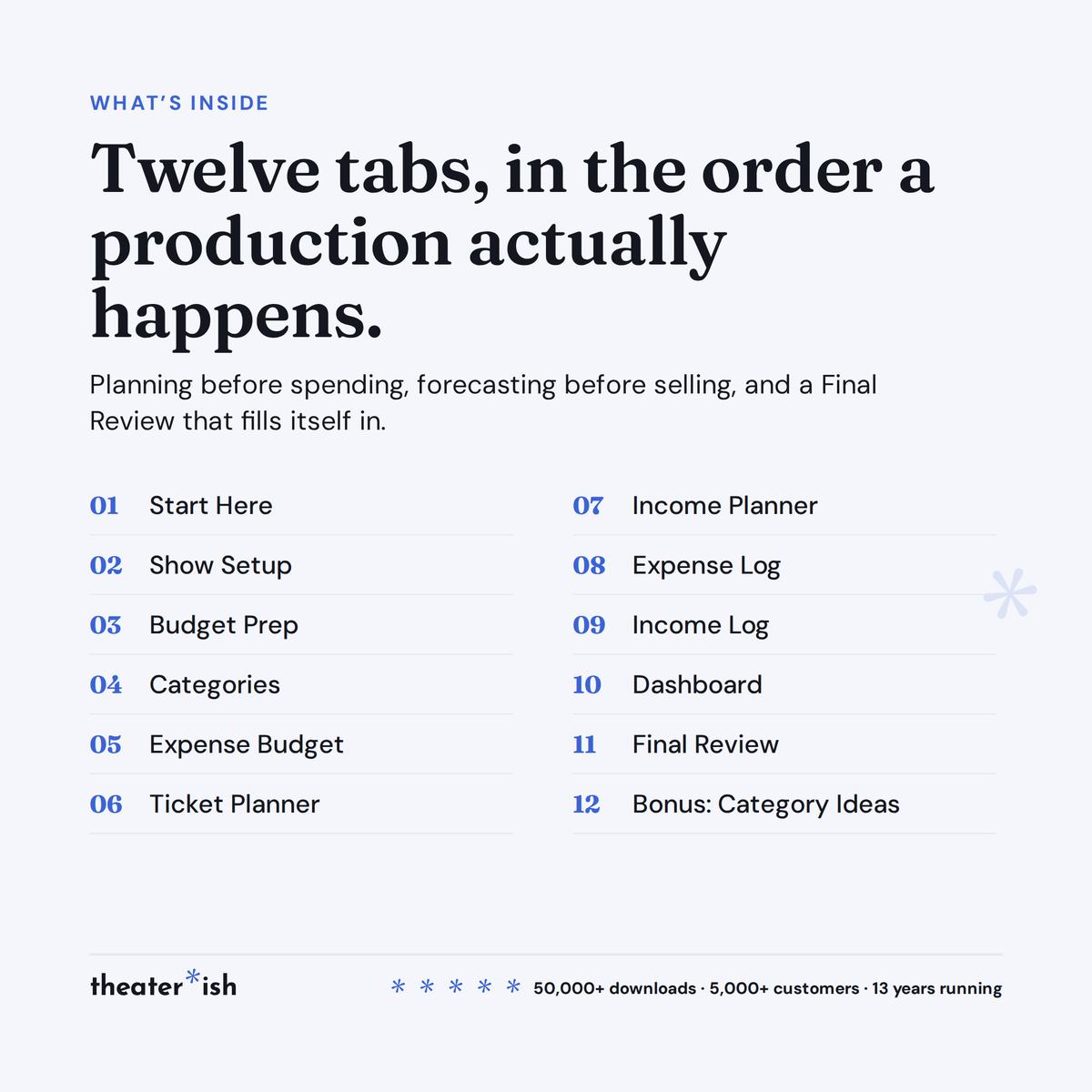
The twelve tabs, in the order a production happens
| Tab | What it does |
|---|---|
| Start Here | The in-file quick reference |
| Show Setup | Your show's facts, once. Every other tab reads from here. |
| Budget Prep | Twenty minutes of brainstorming and honesty before you commit |
| Categories | Add one; every dropdown follows |
| Expense Budget | Line-by-line estimates, contingency computed |
| Ticket Planner | Forecast from your fill, then actuals per performance |
| Income Planner | Sponsors, program ads, patron listings, concessions |
| Expense Log | Every purchase, one line, as it happens |
| Income Log | Donations, grants, and anything else |
| Dashboard | Assembles itself. Nothing here is typed. |
| Final Review | Your results, and the questions worth answering |
| Bonus | Category ideas for schools, community theatres, nonprofits |
It comes filled in
Much Ado About Nothing at a 250-seat community theatre — six performances, $18 and $15 tickets, a 60% target fill, four sponsors, a masked-ball costume line that runs to $2,200, and a county grant still sitting at "pledged" in December. Every computed cell is live, so you can watch the machinery work before you trust it with your own show.
The walkthrough
A course in your Theaterish library, laid out the way you'll use the file: a tour of the whole workbook, then a lesson each on budgeting before the show, during the run, and after it closes. After that, the practical Sheets things nobody teaches you — hiding tabs you don't need, grouping rows, and changing ticket types, sponsorship tiers and ad sizes to match how your company actually sells.
If you'd rather see the reasoning before the spreadsheet, what a play or musical actually costs walks the whole expense side with real numbers.
Common questions
Questions, answered.
Do I need Microsoft Office or Adobe to use these templates?
No. Theaterish templates are built in free tools — Google Sheets, Google Docs, and Canva. You don't need a paid Microsoft Office or Adobe subscription. You'll need a free Google account, and a free Canva account for Canva templates.
Is this a one-time purchase or a subscription?
It's a one-time purchase. You pay once and the templates are yours to keep and reuse for every show, season after season.
Can I reuse the templates for more than one production?
Yes. Every template is built to be reused — duplicate your copy for each new show and start fresh, as many times as you like.
How are the templates delivered?
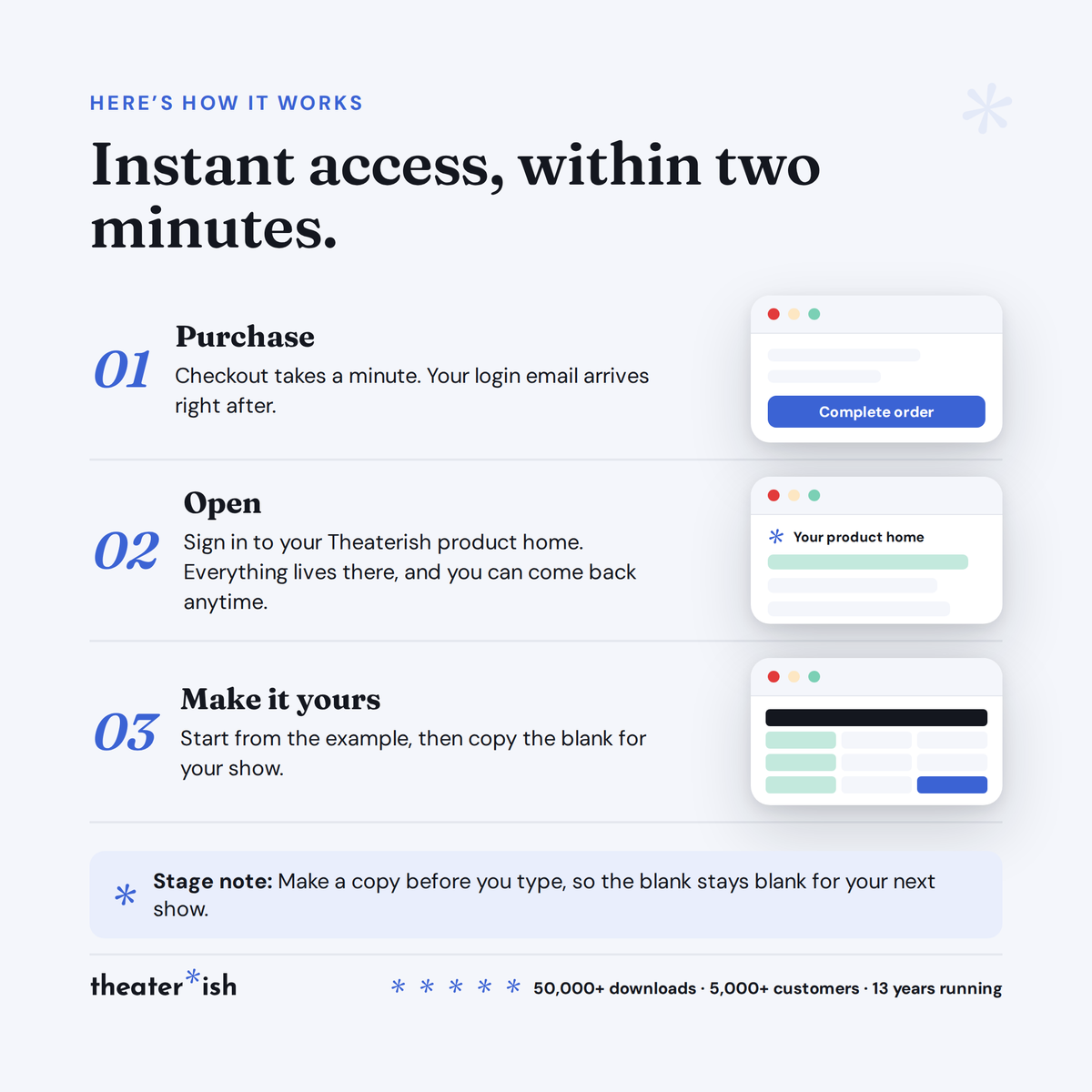
Everything is digital. After checkout you'll receive access instantly — you copy each template into your own Google Drive or Canva account and make it your own. Nothing ships physically.
Can I customize the templates?
Yes. Every template is fully editable. Change colors, fonts, and content to match your production or program.
No courses, no homework
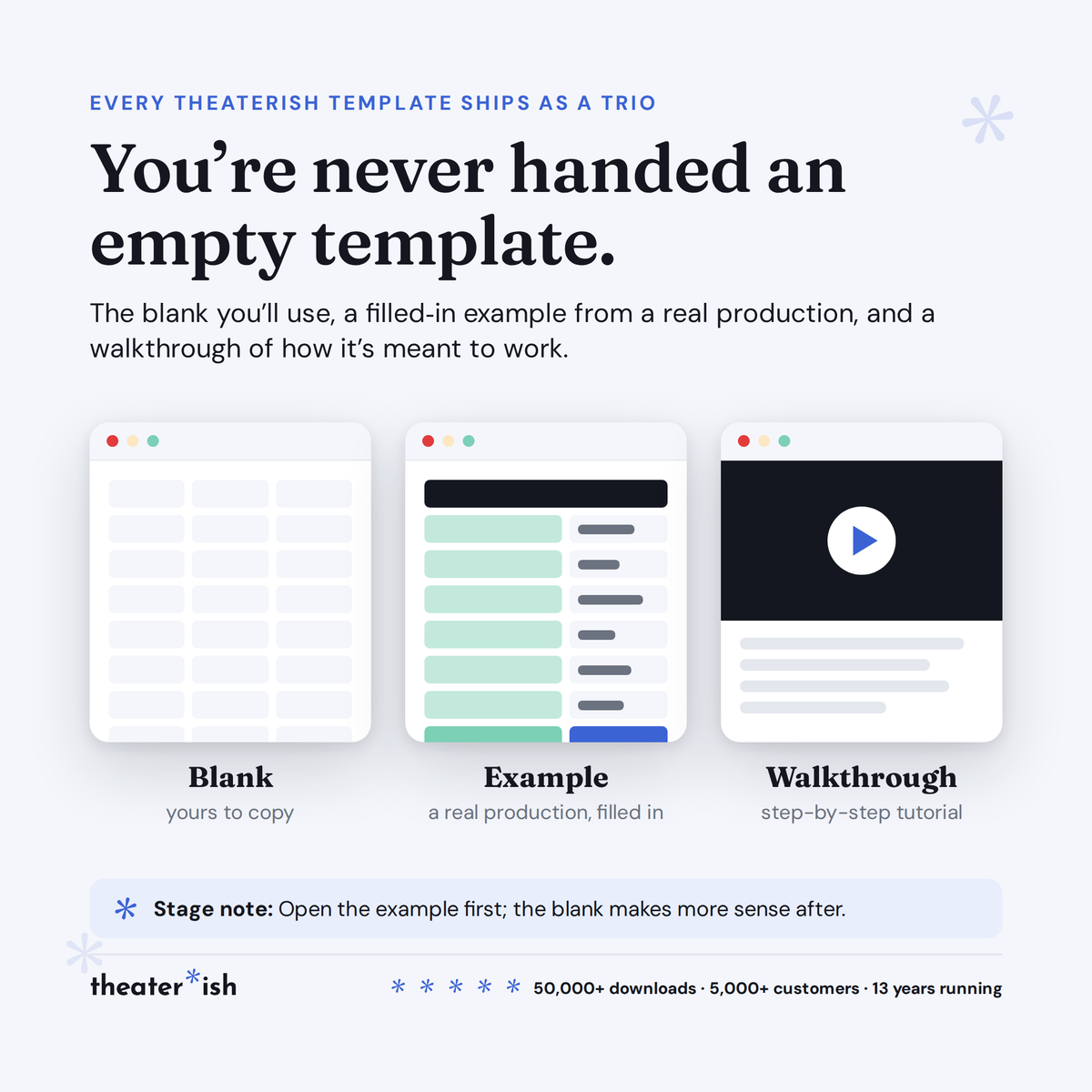
Every product is a trio.
The blank template
Clean and ready to fill in for your production this week.
A filled-in example
A real one, from an actual show — so you can see what done looks like.
A walkthrough
A short guided tour of the tool in use, start to finish.
What buyers say
Reviewed by people who've run the show.
“Set opening night once and every deadline fell into place. I stopped rebuilding this from scratch every season.”
“Handed it to a first-time SM and they ran with it — no training call needed.”
“The walkthrough answered the questions I didn't know I had. Worth it for that alone.”
Can't pick just one?
Bundle & Save
Mix and match any templates below, unlock an instant discount, and get everything you need in one go.